The experiment#
In February 2026, I tried to remove Cursor from my development setup. The reasoning was simple: Claude Code had matured a lot, my monthly Cursor bill kept drifting up because of overage charges on premium requests, and I was curious whether a pure terminal-based AI workflow could match what an AI-first editor offered.
Six weeks later I had a clear answer, which was not what I expected. They are not competing tools. They are different tools with different strengths, and removing either one left a gap the other could not fill.
This is what the experiment actually looked like, and what I would tell anyone considering the same switch.
What Cursor does well#
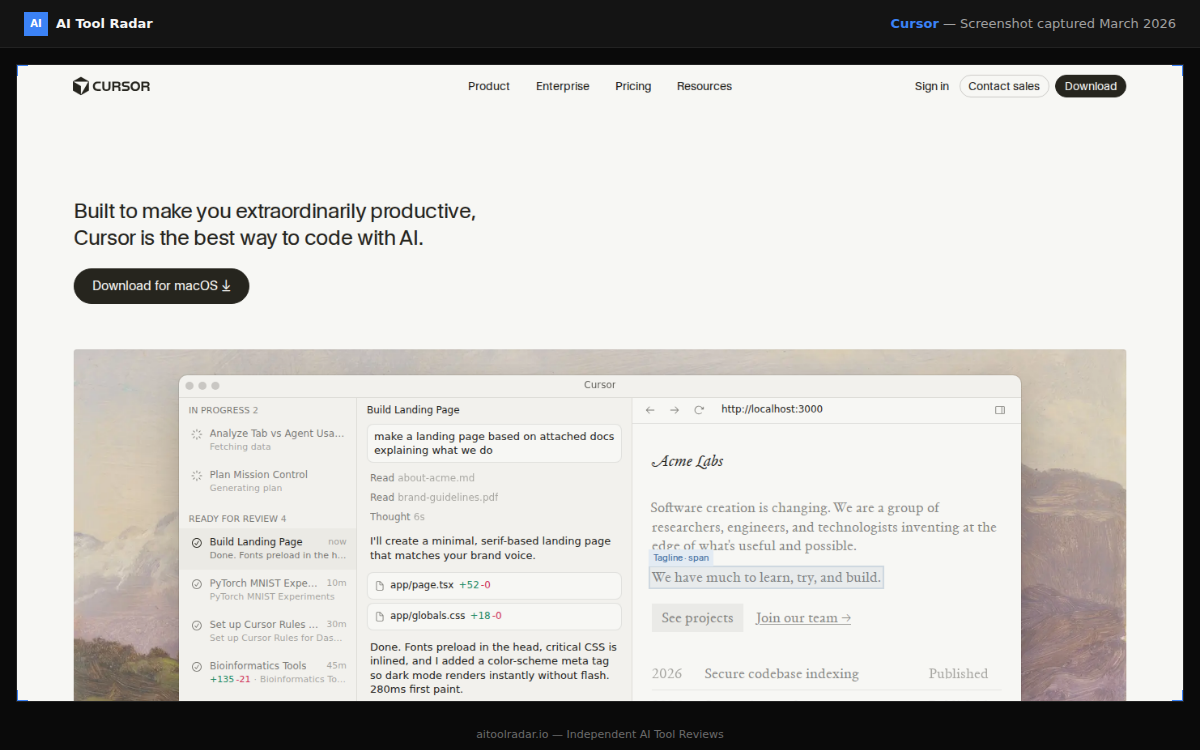
For context: I had been using Cursor daily for about ten months before the experiment. Mostly Next.js work, some Rust, the occasional Python script.
Cursor's best feature is not the agent mode or the fancy demos. It is Cmd+K inline editing. Select code, describe what you want changed, review the diff, accept or reject. That tight loop lives in muscle memory after a week. You are not conscious of using AI, you are just editing at a different speed.
The second thing Cursor does well is Composer. Multi-file changes driven by a single prompt. You give it a description like "add a loading state to this form, including the spinner component and the state management in the parent", and it works across three files. Not always perfectly, but usually close enough that the remaining edits take 30 seconds.
The third thing is model choice and auto-routing. Cursor lets you switch between Claude, GPT-5, and auto mode, and Auto picks a reasonable model per task. In practice I left it on Auto and stopped thinking about it.
For more on the full feature set, see the Cursor guide.
Why I tried to leave#
Three reasons.
First, the bill. Cursor Pro is 20 $/month nominally, but the 500 premium requests that come with it do not last me a full month if I am heads-down on a real project. I was consistently paying 35-55 $/month by adding overage, which put me in Pro+ territory anyway. At 60 $/month, the value equation felt worse.
Second, the context limits. Cursor is fast, but the model only sees what Cursor shows it, which is usually a handful of open files plus some retrieved chunks from the codebase. For large refactors, it could not hold the whole picture. I was constantly copy-pasting architectural context into the chat window, which felt like I was fighting the tool.
Third, Claude Code had become genuinely good. The agentic workflow, the 1M token context, the ability to read an entire project directory and reason across it, run tests, check outputs, commit to git. It did things Cursor could not.
The Claude Code experience#
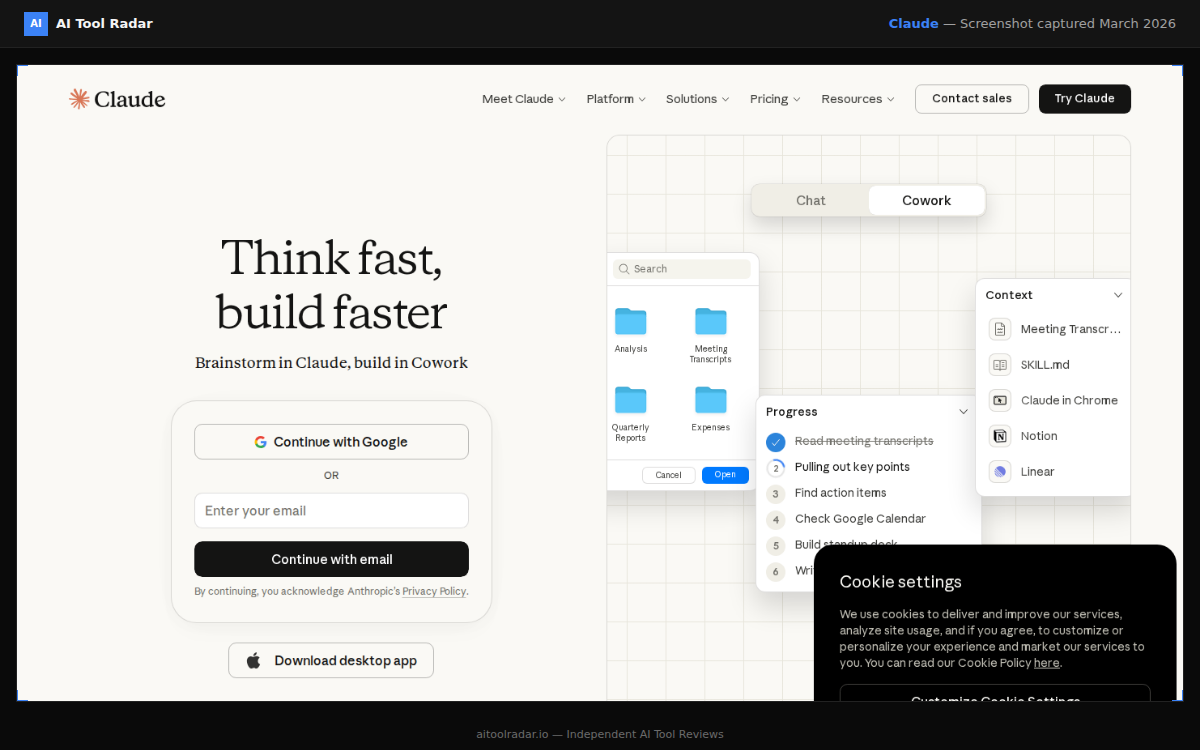
I committed to six weeks of Claude Code as my primary tool. Cursor stayed installed but I forced myself to use it only for specific situations.
What worked immediately:
Claude Code's project-level reasoning is dramatically better. For tasks like "migrate this app from Remix to Next.js 16" or "refactor this entire module to use the new data layer", it was the right tool. It read the whole project, made a plan, executed it across dozens of files, ran the tests, fixed the regressions. That workflow in Cursor would have been hours of me stitching together Composer runs and manually verifying.
Long-running tasks got much easier. I could give Claude Code a job, walk away for 20 minutes, come back to a completed feature with a test suite and a summary of what it did. Cursor's agent mode sort of does this, but the trust level was much lower; I always felt I needed to watch it.
Debugging was better. When something broke, Claude Code could read the error, read the relevant files, run the failing test, propose a fix, and verify. In Cursor I was the glue between those steps.
What did not work#
The first week was fine. The second week I started noticing the things I missed.
Cmd+K inline editing has no real equivalent in Claude Code. The terminal flow is excellent for complete tasks, but for "just change this one line" work, asking Claude Code to do it is slower than typing the change myself. Cursor's inline edit is faster than manual typing because the diff preview is instant. Claude Code's round trip is always at least a few seconds.
Small interactive exploration is worse. "Show me every place we call this function", "rename this variable across the file, but not globally", "add a console.log right here to debug this". Cursor handles those in muscle memory. Claude Code treats them as small tasks, which is overkill.
The cost structure surprised me in the other direction. Claude Code's message limits on the Pro plan became an issue in productive weeks. I hit the daily cap a few times, which broke flow entirely. Pro+ at 100 $ would have solved it, but that pushed the cost back into Cursor territory.
Model quality for small edits was also different. Claude Opus 4.6 is amazing for planning and architecture. For a three-line fix, it sometimes overthinks, rewriting more than I asked. Cursor's auto-routing to a lighter model felt right for those moments.
What I landed on#
After six weeks, I moved to a hybrid setup. Both tools, for different work.
Cursor Pro+ at 60 $/month for the daily driving:
- Cmd+K for quick edits
- Composer for small multi-file features
- Auto-routing for model selection
- Any work where I want to watch the output line by line
Claude Code (included with Claude Pro at 20 $/month) for the heavy work:
- Large refactors and migrations
- Agentic long-running tasks
- Reading and reasoning about the whole codebase
- Running test suites and debugging
- Anything where I want to walk away and come back
Total is 80 $/month plus whatever overage happens on Cursor. In an average month that is 95-105 $. For context, I was previously paying 50-70 $ on Cursor alone, so the delta is 25-45 $/month. That is easily paid back by the work Claude Code does that Cursor cannot.
When I would recommend going Claude Code only#
If you fit one of these profiles, Cursor is probably not worth it:
- You work on one large codebase at a time, doing mostly architectural or migration-style work, not tight per-file editing.
- You come from a Vim/Emacs background and already live in the terminal. The Cursor UI feels like overhead.
- You do infrequent development, maybe a few sessions per week. Cursor's per-month cost does not amortize well at that cadence.
When I would recommend going Cursor only#
The reverse profile:
- You work across many small projects with lots of per-file editing.
- You are not comfortable in the terminal and want a real IDE experience.
- Your tasks are 70 percent quick edits and 30 percent bigger features. The inline edit loop is where you live.
The broader point#
I started this experiment wanting to pick a winner. I ended up with a split setup that feels obvious in hindsight. Cursor is an editor with AI built in. Claude Code is a development agent that happens to use a terminal. They are answering different questions.
The failure mode of AI tool evaluations is assuming everything is trying to replace everything else. Sometimes the honest answer is "both, for different jobs". That is mine, at least for the next six months until one of them closes the gap.
For the head-to-head on pure coding capability, our best AI coding tools comparison goes deeper. But on actual daily use, my answer is boring: pay for both, use each for what it is good at, and stop trying to consolidate.
