What "AI Automation" Actually Means in 2026#
A few years ago, "automation tool" meant connecting App A to App B: a form submission creates a row in a spreadsheet, a new email triggers a Slack message. That still matters. But in 2026 the category has shifted. The leading platforms now ship native AI agent nodes that let a workflow call a large language model, reason over the result, pick a tool, and run a multi-step plan with memory between steps.
That shift is why the same five queries (variations on "ai automation platform" and "ai automation tools") keep surfacing the same handful of products. This roundup covers the three platforms that dominate the conversation, n8n, Zapier and Make, plus where AI-native automation is heading. Every price and limit below has an inline source so you can verify it before you commit a budget.
This is a roundup, not a single full review. For deep, step-by-step setup walkthroughs see our dedicated n8n guide and Zapier guide.
The Short Version#
| Platform | Entry price | Included volume | Best for |
|---|---|---|---|
| n8n | 20 EUR/mo (n8n) | 2,500 executions/mo (n8n) | Developers, AI agents, self-hosting |
| Zapier | 19.99 USD/mo annual (Zapier) | 750 tasks/mo (Zapier) | Breadth of app coverage, non-technical users |
| Make | 10.59 USD/mo (Lindy) | 10,000 operations/mo (Lindy) | Visual builders who want cheap volume |
The right pick depends less on a feature checklist and more on three things: how technical you are, how you count usage, and whether you need to keep data on your own infrastructure.
n8n: The Developer and AI Agent Platform#
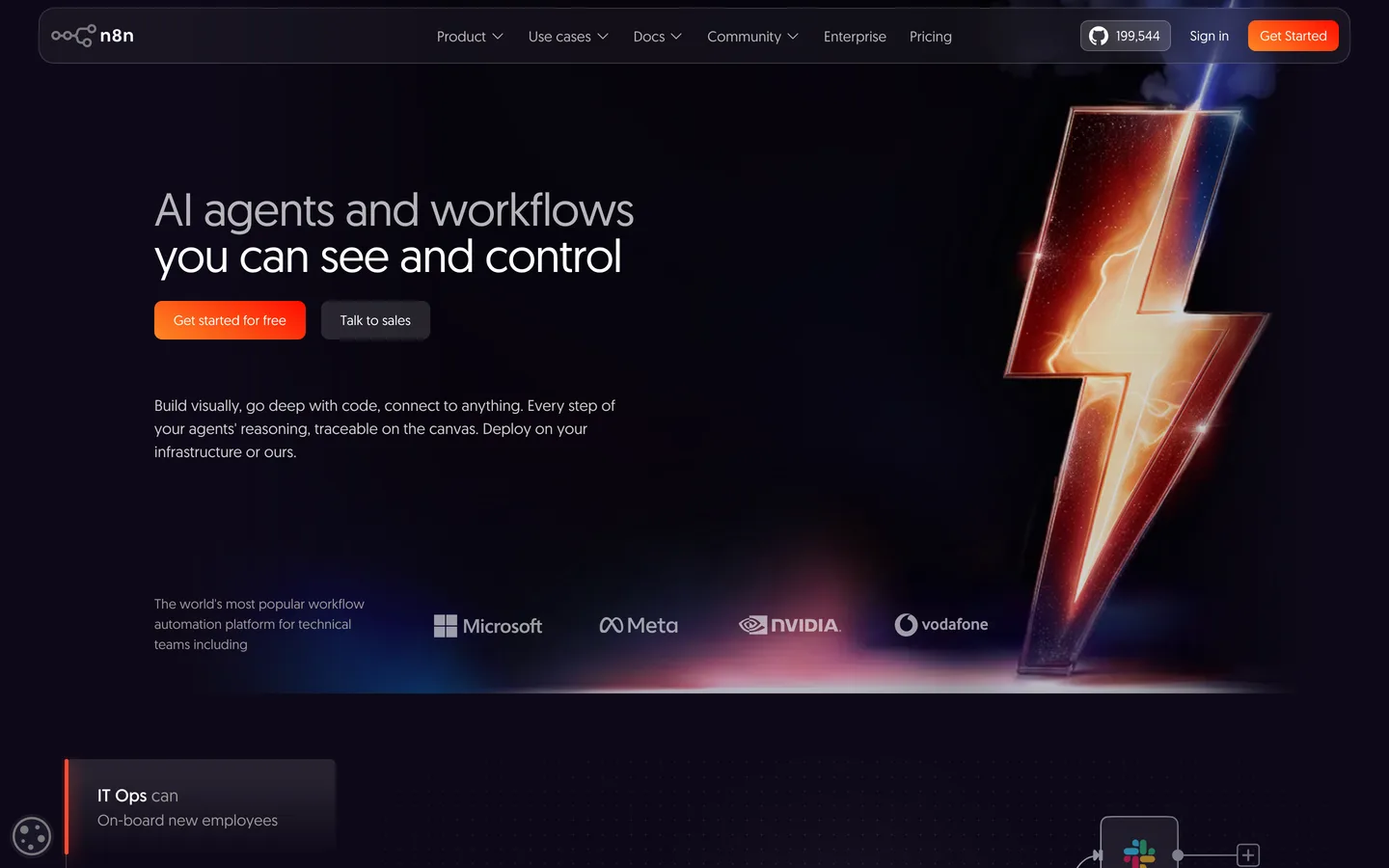
n8n has become the default answer when people want automation that does not lock them into one vendor. It is open source, it can be self-hosted, and in 2026 it has repositioned itself as an AI orchestration platform rather than a plain connector tool.
What the AI actually does#
The n8n AI Agent node acts as the central brain of a workflow: it connects a large language model to a set of tools and memory, then decides which tool to call and in what order. It supports every major model, including OpenAI, Anthropic Claude and Google Gemini, as well as self-hosted models (n8n Blog). That makes it genuinely useful for building autonomous, multi-step agents rather than just linear "if this then that" chains.
Pricing and limits#
The cloud Starter plan is 20 EUR per month billed annually and includes 2,500 workflow executions with unlimited steps and 5 concurrent executions. The Pro plan is 50 EUR per month for 10,000 executions and 20 concurrent executions (n8n). As of April 2026, n8n removed active-workflow limits across all plans, so you pay purely on executions, not on how many workflows you keep switched on (connectsafely.ai).
One thing to model before you buy: n8n counts per workflow execution, not per step. That is generous compared to step-based billing, but a polling trigger that checks for new data every 5 minutes still burns roughly 8,640 executions per month on its own, which blows past the Starter allowance (connectsafely.ai).
Self-hosting n8n is free in licence terms but not free in reality. You take on hosting, updates, backups and security yourself. Budget honest server and maintenance time before treating "free" as zero cost.
Pros
- Open source and self-hostable
- Native AI agent node with multi-model support
- Per-execution billing is generous for complex flows
- No active-workflow limits as of April 2026
Cons
- Steeper learning curve than no-code competitors
- Self-hosting carries real operational overhead
- Polling triggers can eat executions fast
For a full walkthrough of building your first workflow, see the n8n guide.
Zapier: The Broadest App Network#
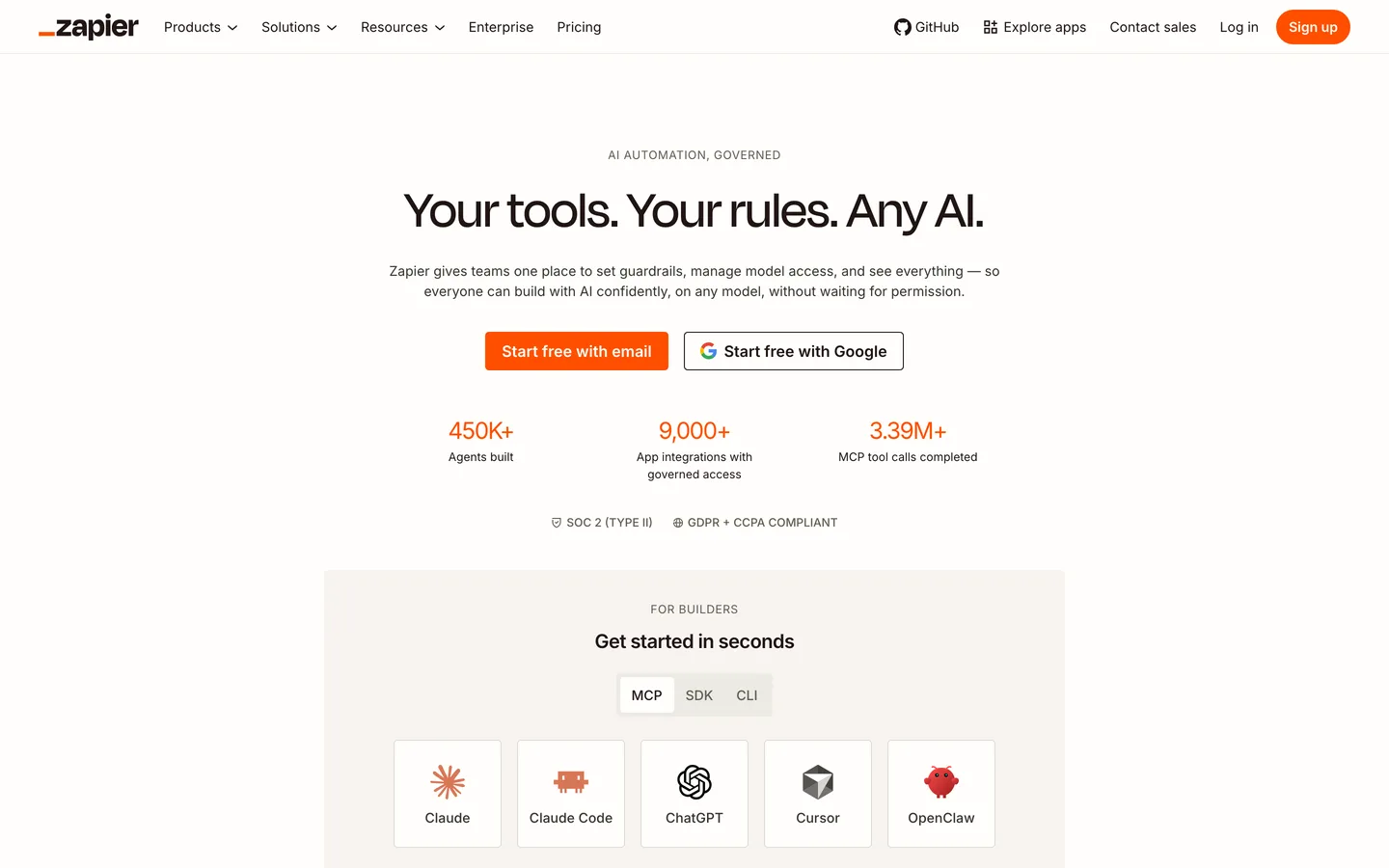
If your problem is "I need tool X to talk to tool Y and I do not want to think about it," Zapier is still the safest default. Its strength is not depth, it is reach.
Pricing and limits#
The Free plan gives you 100 tasks per month and two-step Zaps. The Professional plan starts at 19.99 USD per month billed annually (29.99 USD month-to-month) for 750 tasks, with multi-step Zaps, premium apps and webhooks. The Team plan starts at 69 USD per month billed annually and includes 25 users (Zapier).
The headline number that keeps Zapier on top: it connects with more than 9,000 apps, the largest integration catalogue of any platform here (Zapier).
The catch with task counting#
Zapier bills per task, and a task is each successful action step. A multi-step Zap that runs three actions consumes three tasks per run. That math is why high-volume users routinely look at Make or n8n once they scale past a few thousand runs a month. For light, mission-critical automations where reliability matters more than cost, Zapier's breadth usually wins.
Pros
- Largest app catalogue (9,000+ integrations)
- Genuinely no-code, fast to set up
- Reliable, mature, well documented
Cons
- Task-based billing gets expensive at volume
- Less flexible than n8n or Make for complex logic
- AI agent features are less developer-oriented
See the Zapier guide for setup and a closer look at the AI features.
Make: Cheap Volume and Visual Workflows#
Make (formerly Integromat) sits between Zapier's simplicity and n8n's developer focus. Its draw is a highly visual canvas paired with aggressive pricing on volume.
Pricing and limits#
Make bills per operation, where each trigger, filter or action step costs one credit, so a 10-step scenario uses 10 operations per run. The free plan includes 1,000 operations. Core is about 10.59 USD per month for 10,000 operations, Pro about 18.82 USD per month, and Teams about 34.12 USD per month for 10,000 operations with multi-user roles (Lindy).
Per operation, Make is generally the cheapest of the three at scale, which is exactly why volume-heavy users migrate to it from Zapier. The tradeoff is the same one as n8n: because every step counts, you need to design lean scenarios or the operation count climbs faster than you expect.
Before choosing between task-based (Zapier) and operation-based (Make, n8n) billing, sketch one of your real workflows and count the steps. Multiply by your expected monthly runs. That single calculation predicts your bill far better than any plan comparison table.
Where AI-Native Automation Is Heading#
The interesting movement in 2026 is not a new tool, it is the blurring line between "automation platform" and "agent platform." n8n's own analysis argues we need to re-learn what AI agent development tools even are, because the canvas-plus-agent-node model now does what dedicated agent frameworks promised (n8n Blog).
The practical takeaway: if you are starting fresh in 2026 and expect to lean on LLMs, pick a platform with first-class agent and memory support rather than bolting AI onto a connector tool later. All three platforms here now offer AI features, but n8n leads on developer-grade agent orchestration, while Zapier and Make lead on accessibility.
How to Choose#
- You are technical or want self-hosting and AI agents: start with n8n.
- You want the widest app coverage with zero code: start with Zapier.
- You want cheap, high-volume visual automation: start with Make.
- You are unsure: build the same simple workflow on the free tier of two of them. The one whose mental model clicks is the one you will actually maintain.
What this post does not cover: enterprise-only platforms (Workato, Tray.ai, Microsoft Power Automate), no in-house long-term reliability benchmarking, and no affiliate relationship with n8n, Zapier or Make. Pricing changes frequently, so always confirm current numbers on each vendor's own pricing page before purchasing. The figures here were verified in May 2026.