This site contains affiliate links. We may earn a commission at no extra cost to you. This helps us keep the site running and continue providing free guides and comparisons.
The Bottom Line#
n8n is the most powerful workflow automation platform available in 2026 for technical teams and builders who want full control over their automations. It is the only major automation tool that offers a completely free self-hosted option with unlimited executions, and its cloud plans start at approximately $20/month (Starter) with pricing based purely on executions rather than per-step or per-user charges. The platform has evolved from a Zapier alternative into a full AI orchestration layer with native Agent nodes, LangChain integration, RAG pipeline support, and the ability to wire in self-hosted LLMs. With over 400 pre-configured integrations and the ability to add custom code (JavaScript or Python) at any point in a workflow, n8n handles automations that Zapier and Make cannot express in their visual builders. The 2025 pricing shift removed all active workflow limits, so you can build as many automations as you want and only pay when they run. The trade-off is complexity: n8n requires comfort with logic flows and API concepts, and self-hosting adds server infrastructure responsibilities. For developers, technical marketers, and teams building production-grade AI-powered automations, n8n delivers unmatched capability and cost efficiency. For non-technical users who need simple app-to-app connections, Zapier remains easier to start with.
Rating: 4.5/5 | Price: Free (self-hosted) / ~$20/mo (cloud) | Last verified: August 2026
Score Breakdown
Key Facts#
- Pricing: Community Edition (free, self-hosted), Starter (
$20/mo cloud), Pro ($50/mo cloud), Enterprise (custom) - Free tier: Yes. Community Edition is 100% free with unlimited executions when self-hosted
- Platforms: Web app (cloud or self-hosted), runs on Docker, npm, or any Linux/Mac/Windows server
- Key features: Visual workflow builder, 400+ integrations, custom code nodes (JavaScript/Python), AI Agent nodes, LangChain integration, RAG pipelines, webhook triggers, API connectivity, error handling, version control
- Pricing model: Execution-based. One workflow run = one execution regardless of step count. No per-step charges, no per-user charges, unlimited active workflows on all plans
- AI capabilities: Native AI Agent Builder, LangChain nodes, OpenAI/Anthropic/Google Gemini integrations, vector database connections, RAG pipeline support, Autopilot (agents using cloud computers)
- Recent updates (2025-2026): Active workflow limits removed (August 2025), Agent Builder for "vibe coding" agents from prompts, Autopilot for autonomous agent execution, execution-only pricing model, 50% startup discount on Business plan
- Open source: Fair-code licensed (Sustainable Use License), source code fully available on GitHub
What Is n8n and Who Is It For?#
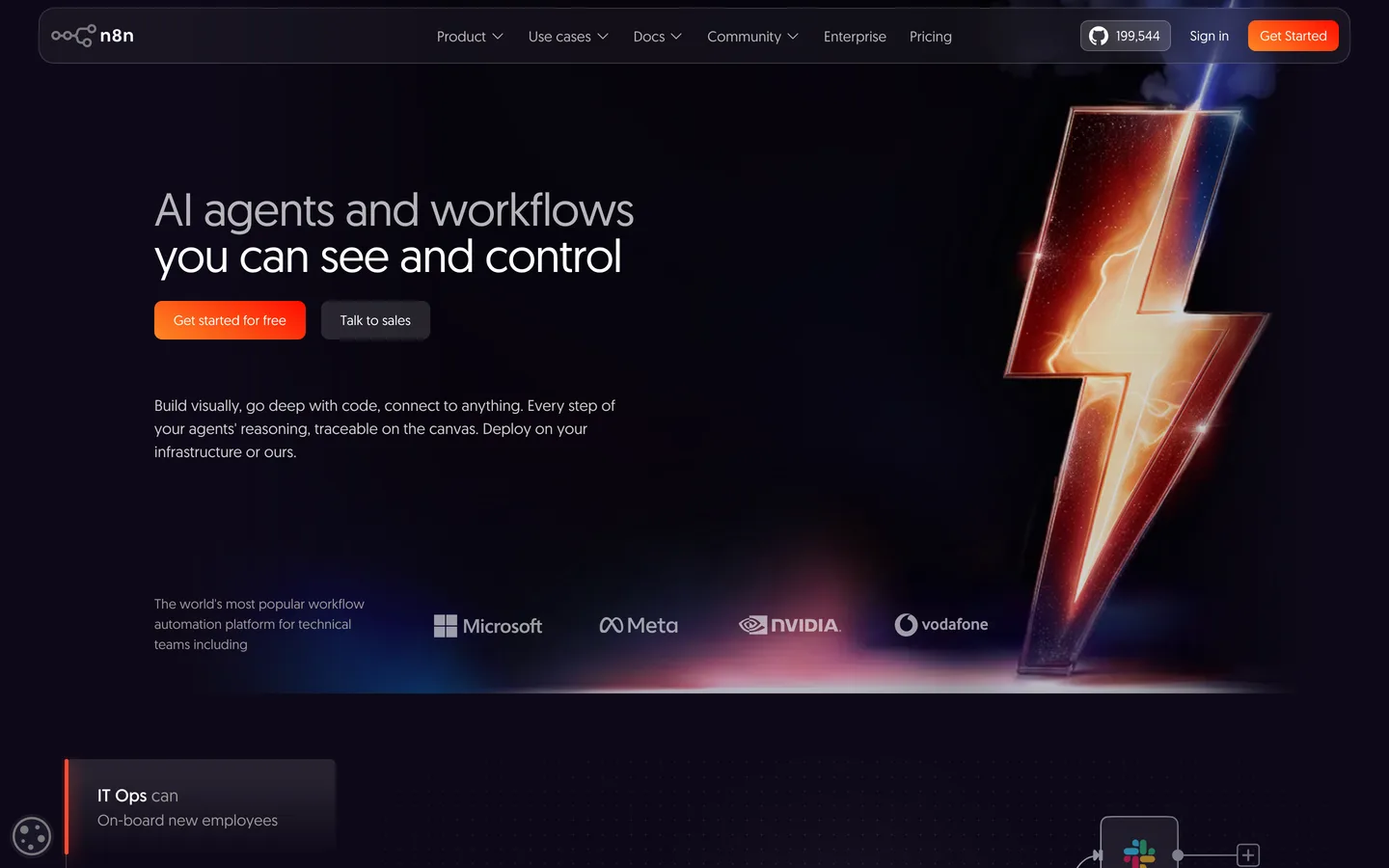
n8n (pronounced "n-eight-n", short for "nodemation") is a workflow automation platform that lets you connect apps, services, and AI models through a visual node-based interface. Each workflow consists of nodes that represent triggers, actions, transformations, or AI operations, connected in a graph that defines the automation logic. Unlike Zapier's linear step-by-step approach, n8n supports branching paths, parallel execution, loops, error handling, and conditional logic, all configurable visually or through code.
The platform serves developers, technical marketers, data engineers, and teams building production-grade automations that go beyond simple app-to-app connections. It competes with Zapier, Make (formerly Integromat), and ActivePieces. n8n differentiates through three pillars: the self-hosted free option with unlimited executions, the depth of customization through JavaScript/Python code nodes, and native AI agent capabilities that position it as an orchestration layer for AI workflows rather than just a task automation tool.
How We Built This Guide#
This guide is based on official n8n documentation and pricing, independent reviews from CyberNews, Hackceleration, and Upskillist, community feedback from Reddit, Product Hunt, and the n8n community forum, and comparative analysis against Zapier, Make, and ActivePieces based on documented specifications and pricing. Cloud pricing was verified against n8n.io/pricing (note: prices are listed in euros and fluctuate slightly in USD equivalent). Self-hosted capabilities were verified against the open-source documentation. All facts were last verified March 2026.
Features in Depth#
Visual Workflow Builder#
n8n's workflow builder uses a canvas-based interface where you drag, drop, and connect nodes to build automations. Each node represents a specific operation: a trigger (webhook, schedule, app event), an action (send email, create record, post message), a transformation (filter, merge, split data), or a code block (custom JavaScript or Python). The visual approach makes complex logic readable and maintainable, while the ability to drop into code at any node means you never hit a wall when the visual builder cannot express what you need. Workflows can include branching paths, parallel execution, loops with iteration, and comprehensive error handling with retry logic.
400+ Pre-Configured Integrations#
n8n includes over 400 integration nodes covering the core business application landscape: Google Workspace, Slack, Notion, GitHub, Airtable, Salesforce, HubSpot, Stripe, PostgreSQL, MySQL, MongoDB, and hundreds more. Each node handles authentication and common operations automatically, removing the need to write repetitive API integration code. For apps without a dedicated node, the HTTP Request node connects to any API with custom headers, authentication, and request configuration. The integration count (400+) is smaller than Zapier's 8,000+ but covers the apps most workflows actually use.
Custom Code Nodes (JavaScript and Python)#
At any point in a workflow, you can insert a Code node that runs JavaScript or Python with full access to the workflow's data. This is n8n's key differentiator against purely visual automation tools. You can transform data structures, call APIs with complex authentication, run calculations, filter with custom logic, or integrate with any service that has a programming interface. The code nodes have access to npm packages (JavaScript) or pip packages (Python), making them as flexible as writing standalone scripts but integrated into the visual workflow.
AI Agent Builder#
n8n's AI capabilities have expanded significantly in 2025-2026, evolving into a full AI orchestration layer. The Agent Builder lets you create AI agents from a prompt description, bringing them to production in minutes. Native Agent nodes integrate any LLM (OpenAI, Anthropic Claude, Google Gemini, self-hosted models via Ollama), enable RAG pipelines by connecting to vector databases (Pinecone, Qdrant, Supabase Vector), and allow workflows to interact through conversational interfaces in Slack, Teams, or custom chat widgets. The LangChain integration provides access to the full LangChain toolkit within the visual workflow builder.
Autopilot: Agents with Cloud Computers#
The Autopilot feature gives AI agents the ability to use their own computers in the cloud, freeing agents from the limitations of API-only integrations. An agent can browse websites, fill forms, extract data from pages without APIs, and interact with web applications as a human would. This extends n8n's automation capabilities to apps and services that do not offer API access, a significant advantage for real-world automation scenarios where not everything has a clean API.
Execution-Based Pricing#
n8n's pricing model is fundamentally different from Zapier and Make. One execution equals one complete workflow run from trigger to completion, regardless of how many steps the workflow contains. A 2-step workflow and a 50-step workflow cost the same: one execution. Zapier charges per task (each step is a separate task), meaning a 10-step workflow consumes 10 tasks per run. Make charges per operation with complex counting rules. n8n's model makes complex, multi-step automations dramatically cheaper. The caveat: sub-workflows called from a parent workflow count as separate executions.
Self-Hosted Deployment#
The Community Edition can be deployed on any server you control using Docker, npm, or native installation. Self-hosting provides unlimited executions at zero software cost (you pay only for server infrastructure), complete data privacy (nothing leaves your server), full control over updates and maintenance, and the ability to run behind corporate firewalls. The self-hosted approach requires technical expertise to set up, maintain, and secure the infrastructure, including handling backups, SSL certificates, and software updates.
Pros
- Self-hosted Community Edition is completely free with unlimited executions, making n8n unmatched for high-volume automation use cases
- Execution-based pricing means a 50-step workflow costs the same as a 2-step workflow, making complex automations dramatically cheaper than Zapier or Make
- Custom code nodes (JavaScript/Python) at any point in a workflow eliminate the ceiling that visual-only builders impose
- AI Agent Builder with LangChain integration, RAG pipeline support, and multi-LLM compatibility positions n8n as a full AI orchestration platform
- All active workflow limits have been removed since August 2025, so you build as many automations as you want and only pay for executions
- Open-source codebase provides transparency, community-contributed nodes, and the ability to audit the platform's security and behavior
Cons
- Steeper learning curve than Zapier or Make, requiring comfort with logic flows, API concepts, and data structures
- Self-hosting requires server infrastructure knowledge including Docker, security configuration, backup management, and ongoing maintenance
- Integration count (400+) is significantly smaller than Zapier's 8,000+, meaning some niche apps require manual HTTP Request configuration
- Cloud pricing recently shifted to euros, causing slight price increases for USD-based users (Starter ~$24/mo vs. previous $20/mo)
- Error debugging in complex workflows can be challenging, especially when custom code nodes interact with external APIs
- Sub-workflows count as separate executions, which can multiply execution costs for modular workflow architectures
Features (4.8): n8n offers the deepest feature set in the workflow automation category. The combination of visual workflow building, custom code nodes, 400+ integrations, AI Agent Builder with LangChain, RAG pipelines, Autopilot, and self-hosting capability creates a platform that handles automations no competitor can express. The only gap is the smaller integration library compared to Zapier.
Ease of Use (3.8): The visual workflow builder is well-designed and logical for users comfortable with flowchart-style thinking. Node configuration is clear, and the built-in documentation for each integration is helpful. However, the platform assumes familiarity with API concepts, data structures, and basic programming logic. Non-technical users will face a significant learning curve compared to Zapier's wizard-based approach.
Value for Money (4.7): The self-hosted option at $0/month with unlimited executions is unbeatable for any user with server infrastructure. Cloud pricing at ~$20/month for 2,500 executions is competitive, and the execution-based model (not per-step) makes complex workflows dramatically cheaper than Zapier. A medium-complexity workflow that costs $50/month on Zapier might run for $15 on Make or pennies on self-hosted n8n.
Performance (4.5): Workflow execution is fast and reliable on both cloud and self-hosted deployments. The platform handles high-throughput scenarios well, with users reporting millions of monthly executions on properly provisioned self-hosted instances. Cloud performance depends on plan tier, with higher tiers receiving priority processing.
Accuracy (4.5): Integration nodes reliably execute their documented operations. Error handling is comprehensive, with built-in retry logic, error workflows, and detailed execution logs. AI Agent responses depend on the underlying LLM but n8n's orchestration layer faithfully passes prompts and processes responses without introducing errors.
Pricing Breakdown#
n8n offers four tiers as of March 2026:
Community Edition (Free, self-hosted) provides unlimited executions, unlimited workflows, and full access to all integration nodes and features. You deploy n8n on your own server (Docker, npm, or native). Software cost is zero; you pay only for your server infrastructure ($5-50/month on typical cloud providers). Requires technical expertise for deployment, maintenance, and security. Best for developers and technical teams who want maximum control and cost efficiency.
Starter (~$20/month, cloud) provides 2,500 executions per month with unlimited workflows and all integration nodes. Managed hosting by n8n with automatic updates and basic support. The practical entry point for users who want n8n's capabilities without managing server infrastructure. Note: the official price is listed as approximately $20/month (pricing is in euros and fluctuates slightly in USD equivalent; some sources report $24/month reflecting the 2025 euro-based pricing shift).
Pro (~$50/month, cloud) provides 10,000 executions per month with advanced features, custom number of executions, and priority support. Targets solo builders and small teams running production workflows that exceed the Starter tier's execution limit.
Enterprise (custom pricing) provides custom execution volumes, SSO, dedicated support, custom SLA, advanced security features, and enterprise-grade compliance. For organizations with specific security, compliance, or volume requirements.
Additional execution buckets can be purchased on higher tiers (for example, 300,000 extra executions for approximately $4,000 on the Business plan). n8n also offers a 50% startup discount on the Business plan for qualifying startups.
| Plan | Price | Key Features |
|---|---|---|
| Community (Self-Hosted) | $0 | Unlimited executions, Unlimited workflows, Full source code access |
| ⭐ Starter (Cloud) | ~$20/mo | 2,500 executions/mo, Unlimited workflows, All integrations |
| Pro (Cloud) | ~$50/mo | 10,000 executions/mo, Advanced features, Priority support |
| Enterprise | Custom | Custom executions, SSO, Dedicated support, SLA |
Community (Self-Hosted)
- Unlimited executions
- Unlimited workflows
- Full source code access
Starter (Cloud)
- 2,500 executions/mo
- Unlimited workflows
- All integrations
Pro (Cloud)
- 10,000 executions/mo
- Advanced features
- Priority support
Enterprise
- Custom executions
- SSO
- Dedicated support
- SLA
Who Should Use n8n?#
Best for developers building production automations: If you can write JavaScript or Python and want a visual orchestration layer that does not limit you to pre-built operations, n8n is the strongest option. Custom code nodes mean you can express any logic, and the self-hosted option eliminates recurring software costs.
Best for teams building AI-powered workflows: The AI Agent Builder, LangChain integration, RAG pipeline support, and multi-LLM compatibility make n8n the most capable platform for building AI agents that interact with business applications. You can connect Claude, GPT, or Gemini to your Slack, email, CRM, and database in a single visual workflow.
Best for cost-conscious high-volume automation: Whether self-hosted (unlimited executions for free) or cloud (execution-based pricing without per-step charges), n8n is dramatically cheaper than Zapier for complex, high-volume automations. A 20-step workflow costs the same as a 2-step workflow per execution.
NOT for you if you are non-technical and want the simplest possible automation setup (Zapier provides a guided wizard experience that requires no technical knowledge), you need the broadest possible app coverage without custom configuration (Zapier's 8,000+ integrations cover more niche apps), you want a fully managed experience without any server or infrastructure considerations (n8n cloud handles this, but self-hosted requires technical ownership), or you need enterprise-grade support and compliance at lower price points (dedicated enterprise tools may offer better packages).
Strengths & Limitations#
n8n's defining strength is the combination of visual workflow building with unrestricted code access, self-hosted deployment, and execution-based pricing. No other platform in the category offers all three. The AI orchestration capabilities position n8n as more than an automation tool: it is a platform for building AI-powered business applications. The recent removal of active workflow limits and the execution-only pricing model make it the most cost-efficient option for teams with complex or high-volume automation needs.
The primary limitation is accessibility. n8n assumes technical competence. Setting up a self-hosted instance requires Docker knowledge, security configuration, and ongoing maintenance. Even the cloud version requires understanding of API concepts, data transformation, and debugging logic that non-technical users find challenging. The smaller integration library (400+ vs. Zapier's 8,000+) means more manual configuration for less common apps. For teams without developer resources, the power of n8n remains locked behind a learning curve that simpler tools eliminate.
Similar Tools Worth Considering#
- Zapier: The market leader for simple, no-code automation with 8,000+ app integrations. The wizard-based interface makes building automations accessible to anyone. Starts at $29.99/month for 750 tasks. Significantly more expensive per automation than n8n for complex workflows (each step counts as a separate task). Better for non-technical users who need broad app coverage and minimal setup.
- Make (formerly Integromat): Visual workflow builder with a canvas-based interface, branching logic, and 3,000+ integrations. Starts at $11/month for 10,000 operations. More visual power than Zapier, less technical depth than n8n. Better for semi-technical users who want visual complexity without writing code. Offers the best balance of power and accessibility.
- ActivePieces: Open-source automation platform that is a direct n8n competitor with a simpler interface. Fully free when self-hosted. Growing integration library but smaller than n8n's. Better for users who want self-hosted automation with a gentler learning curve than n8n.
- Windmill: Open-source platform focused on developer workflows with Python/TypeScript/Go scripts orchestrated through a workflow engine. More code-centric than n8n with less visual workflow building. Better for engineering teams who prefer writing scripts and want a thin orchestration layer.
For AI-powered customer automation, see Tidio. For a broader overview of AI and automation tools, check our Best AI Tools 2026 guide.
FAQ#
Is n8n free to use?#
Yes. n8n's Community Edition is completely free when self-hosted on your own server. It includes unlimited executions, unlimited workflows, and access to all integration nodes. You pay only for your server infrastructure (typically $5-50/month on cloud providers like Hetzner, DigitalOcean, or AWS). The cloud-hosted version starts at approximately $20/month for the Starter plan with 2,500 executions per month.
Is n8n better than Zapier?#
For different use cases, yes. n8n is better for developers and technical teams who need custom code, complex branching logic, AI agent capabilities, and cost-efficient high-volume automation. Its execution-based pricing (one run = one execution regardless of steps) makes complex workflows dramatically cheaper. Zapier is better for non-technical users who want the simplest setup experience and need the broadest app coverage (8,000+ integrations vs. n8n's 400+). Choose based on your technical comfort level and automation complexity.
How does n8n's execution-based pricing work?#
One execution equals one complete workflow run from trigger to completion, regardless of how many steps the workflow contains. A 2-step workflow costs one execution. A 50-step workflow also costs one execution. This is fundamentally different from Zapier (where each step is a separate task) and Make (where operations are counted with complex rules). The caveat is that sub-workflows called within a workflow count as separate executions.
Can I build AI agents with n8n?#
Yes. n8n has native AI Agent Builder nodes that integrate OpenAI, Anthropic Claude, Google Gemini, and self-hosted LLMs. You can build RAG pipelines by connecting vector databases (Pinecone, Qdrant, Supabase Vector), use LangChain within workflows, and deploy conversational agents through Slack, Teams, or custom interfaces. The Autopilot feature allows agents to interact with web applications through cloud-based browsers.
How hard is it to self-host n8n?#
Self-hosting n8n requires basic familiarity with Docker and server administration. The standard deployment uses Docker Compose and can be running in 15-30 minutes on a fresh Linux server. Ongoing responsibilities include managing SSL certificates, performing backups, applying updates, and monitoring server health. For teams with existing DevOps practices, it integrates smoothly. For users without server experience, the cloud plans eliminate infrastructure management entirely.
Sources#
- https://n8n.io/pricing/
- https://n8n.io/
- https://n8nblog.io/pricing-guide-2026-plans-features-costs/
- https://hackceleration.com/n8n-review/
- https://cybernews.com/ai-tools/n8n-review/
- https://www.upskillist.com/blog/n8n-review/
- https://connectsafely.ai/articles/n8n-cloud-pricing-guide
- https://latenode.com/blog/low-code-no-code-platforms/n8n-pricing-alternatives/n8n-pricing-2025-complete-plans-comparison-hidden-costs-analysis-vs-alternatives
