This site contains affiliate links. We may earn a commission at no extra cost to you. This helps us keep the site running and continue providing free guides and comparisons.
Top Picks at a Glance#
| Badge | Tool | Category | Price | Rating | Why It Wins |
|---|---|---|---|---|---|
| Best Overall | Claude | AI Chatbot | $20/mo | 4.6 | Deepest reasoning, best writing, Claude Code for developers, 1M token context |
| Most Versatile | ChatGPT | AI Chatbot | $20/mo | 4.7 | Image gen, video, voice, web browsing, Deep Research, massive ecosystem |
| Best for Coding | Cursor | Code Editor | $20/mo | 4.7 | Cmd+K editing, Composer, Agent mode, full codebase awareness |
All prices as of March 2026. Every tool in this guide has been evaluated based on official documentation, verified pricing, and real user feedback. Recommendations reflect research depth, not sponsorship deals.
This article contains affiliate links. We earn a commission at no extra cost to you.
How We Built This Guide#
This guide is based on official documentation, verified pricing, independent benchmarks, G2 and Reddit user feedback, and professional community reports across every category. The selection criteria:
-
Research depth: Every recommended tool was evaluated based on official feature documentation, verified pricing, real user feedback from G2, Reddit, and professional communities, and independent comparisons.
-
Quality over quantity: This is not a list of everything available. It is a curated selection of tools that deliver genuine value based on community consensus and documented capabilities. Only the ones that earn their subscription cost are included.
-
Category leadership: Each pick either leads its category on quality, offers the best value, or serves a specific use case better than any alternative based on documented performance and user feedback.
-
Verified information: All pricing, features, and capabilities were verified against official sources in March 2026. Sources are linked throughout.
-
Honest assessment: Every tool has weaknesses. Those are noted alongside strengths. No tool receives a recommendation based on business relationships rather than merit.
AI Chatbots#
AI chatbots are the most broadly useful category. They handle writing, analysis, coding, research, brainstorming, and dozens of other tasks through conversational interfaces.
Best Overall: Claude#
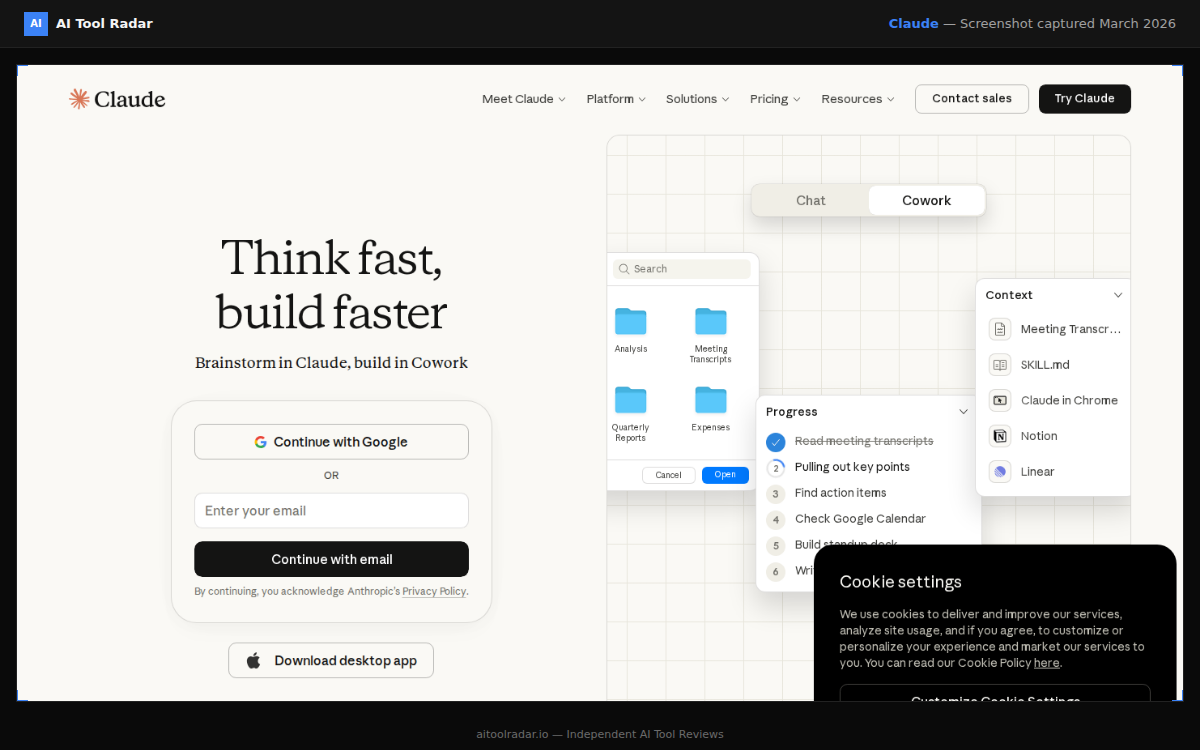
Claude by Anthropic is the best AI chatbot for professionals who need high-quality output on hard tasks. Claude Opus 4.6, the deepest reasoning model available, combined with a 1M token context window and Claude Code for terminal-based development, makes it the most capable option for serious work.
Claude excels where it matters most: complex reasoning, nuanced long-form writing, and code quality. It is also the most honest AI about its limitations, producing fewer confident-sounding hallucinations and more reliable output on tasks where accuracy matters.
Key strengths: Superior writing quality, deepest reasoning, 1M context window, Claude Code terminal development tool, Projects for persistent context.
Key weakness: Narrower feature set than ChatGPT. No image generation, no video, no voice, limited web search.
Price: Free tier (limited) | Pro $20/mo | Max $100-200/mo | Team $25-30/user/mo
Best for: Developers, writers, analysts, researchers, and anyone who values output quality over feature breadth.
Most Versatile: ChatGPT#
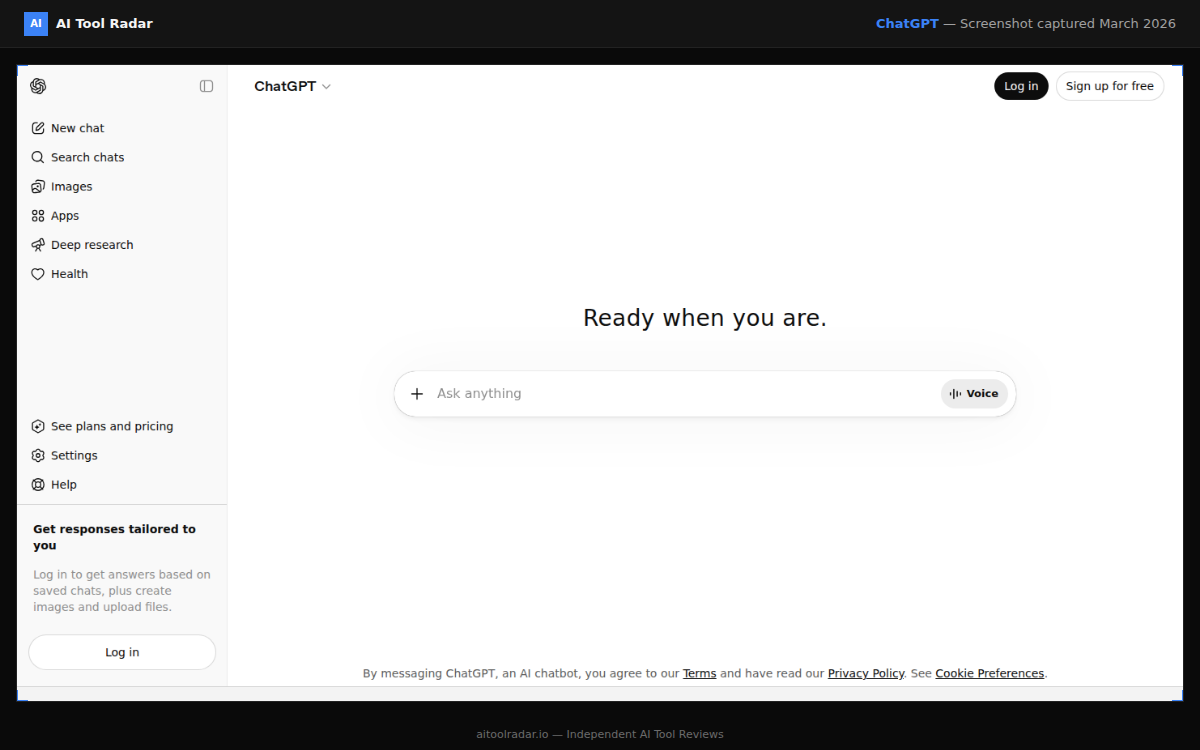
ChatGPT by OpenAI remains the most feature-rich AI assistant. GPT-5 models power text generation, while GPT-4o handles native image generation (replacing DALL-E 3), Sora creates video, and the platform includes voice conversations, real-time web browsing, Deep Research, Advanced Data Analysis (code execution), Agent Mode, Codex, and the GPT Store with thousands of custom assistants.
If you want one tool that covers everything, ChatGPT is the answer. The breadth of capabilities in a single $20/month subscription is unmatched.
Key strengths: Native image generation, video (Sora), voice mode, web browsing, Deep Research, code execution, GPT Store ecosystem, six pricing tiers.
Key weakness: Writing and reasoning quality slightly below Claude on complex tasks. Occasional overconfidence. Privacy requires opt-out or Business plan.
Price: Free (ads in US) | Go $8/mo (ads) | Plus $20/mo | Pro $200/mo | Business $25/user/mo
Best for: General-purpose users, visual creators, researchers, and anyone who wants a single AI tool for everything.
Budget Option: Google Gemini#
Google Gemini (free tier) offers solid capabilities with tight Google Workspace integration. If you work primarily in Gmail, Google Docs, and Google Drive, Gemini's ability to interact with your existing data makes it a practical free option. The paid tier (Google One AI Premium) adds Gemini Advanced with longer context and more capable models.
Best for: Google Workspace users who want AI integrated into their existing tools without a separate subscription.
How they compare: ChatGPT vs Claude for a detailed breakdown of the top two chatbots.
AI Coding Assistants#
AI coding tools have evolved from novelty to core infrastructure. The productivity gains are real, measurable, and compound over time. Every professional developer should be using at least one.
Best Overall: Cursor#
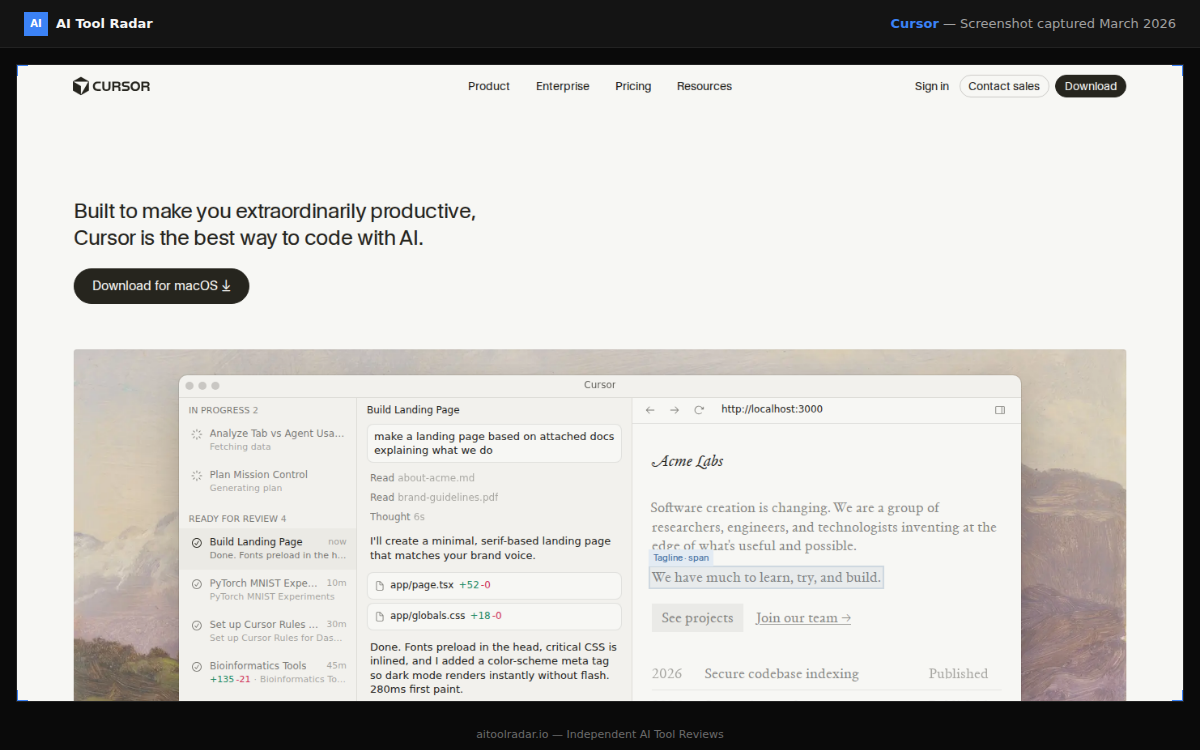
Cursor is the best AI code editor in 2026. Cmd+K inline editing (select code, describe changes, review diff), Composer for multi-file edits from a single description, Agent mode for autonomous multi-step tasks, and codebase-aware chat create a development experience that IDE plugins cannot replicate. The VS Code foundation means near-zero migration for most developers.
Key strengths: Cmd+K inline editing, Composer multi-file changes, Agent mode, model flexibility (Claude, GPT-5, Auto mode), VS Code extension compatibility.
Key weakness: Requires switching editors. Credit-based pricing can surprise heavy users. Pro includes ~$20 of model inference credit.
Price: Hobby (free, limited) | Pro $20/mo | Pro+ $60/mo | Ultra $200/mo | Business $40/user/mo
Best for: Full-stack developers who want AI at the center of their workflow, building features across multiple files.
Best Value: GitHub Copilot#
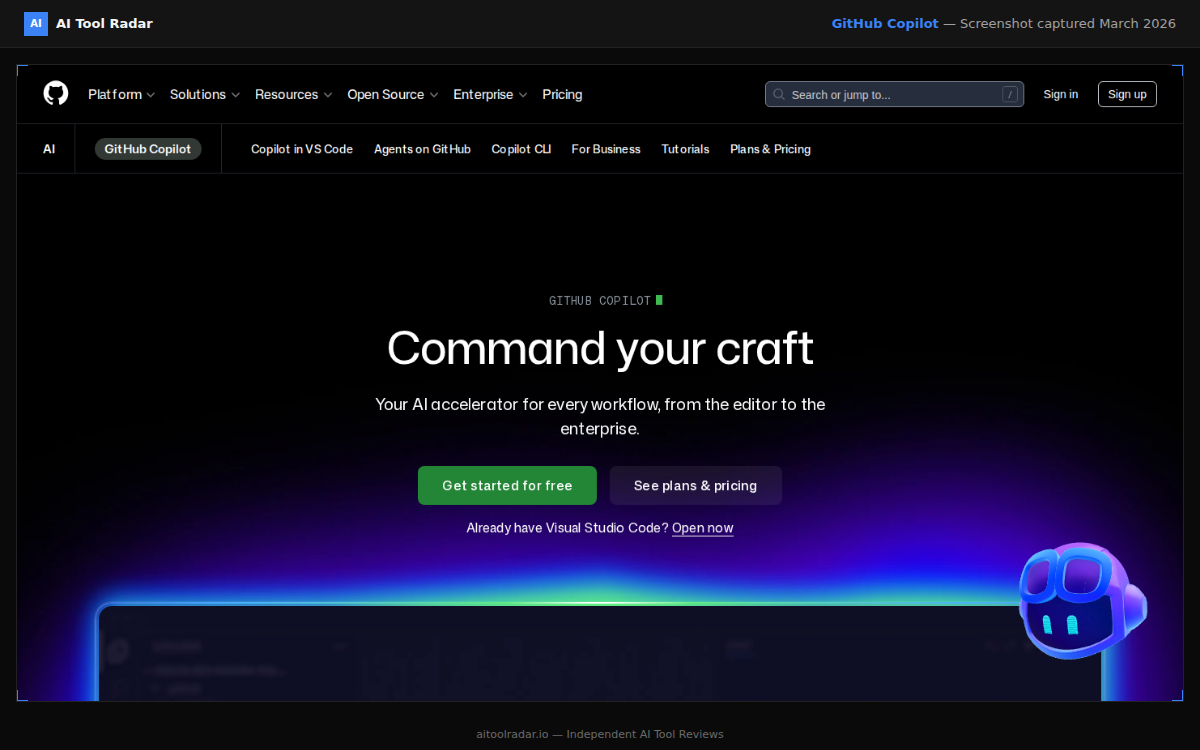
GitHub Copilot is the most adopted AI coding tool for good reason. It works inside your existing IDE (VS Code, JetBrains, Neovim), suggests code as you type via ghost text completions, and requires zero workflow changes. At $10/month for Pro, it is the most cost-effective productivity boost available for developers. The free tier includes 2,000 completions per month.
Key strengths: Zero-friction adoption, instant inline completions, broadest language coverage, Agent Mode for multi-step tasks, lowest price.
Key weakness: Shallower context understanding than Cursor or Claude Code. Complex multi-file reasoning limited. 300 premium requests/month on Pro.
Price: Free (2,000 completions/mo) | Pro $10/mo ($100/yr) | Pro+ $39/mo | Business $19/user/mo | Enterprise $39/user/mo
Best for: Developers who want AI assistance without changing editors. Teams adopting AI coding tools for the first time.
Best for Complex Tasks: Claude Code#
Claude Code (included with Claude Pro at $20/month) operates at the project level from the terminal. It reads your full project, reasons about architecture and patterns, makes multi-file changes, runs tests, handles git, and executes shell commands. Powered by Claude Opus 4.6 with up to 1M tokens of context. Not a replacement for an editor-based tool, but a complement that handles complex refactoring, migrations, and architecture changes that IDE plugins cannot manage.
Key strengths: Project-level reasoning, 1M token context, end-to-end workflows (edit, test, fix, commit), complex multi-file refactoring.
Key weakness: Terminal-only interface, learning curve for effective prompting, slower than editor tools for simple tasks, daily message limits.
Best for: Complex refactoring, library migrations, architecture tasks, developers comfortable with terminal workflows.
How they compare: Best AI Coding Tools for the full three-way comparison.
AI Image Generation#
AI image generators produce professional-quality output in 2026. The choice depends on whether visual polish or workflow convenience is your priority.
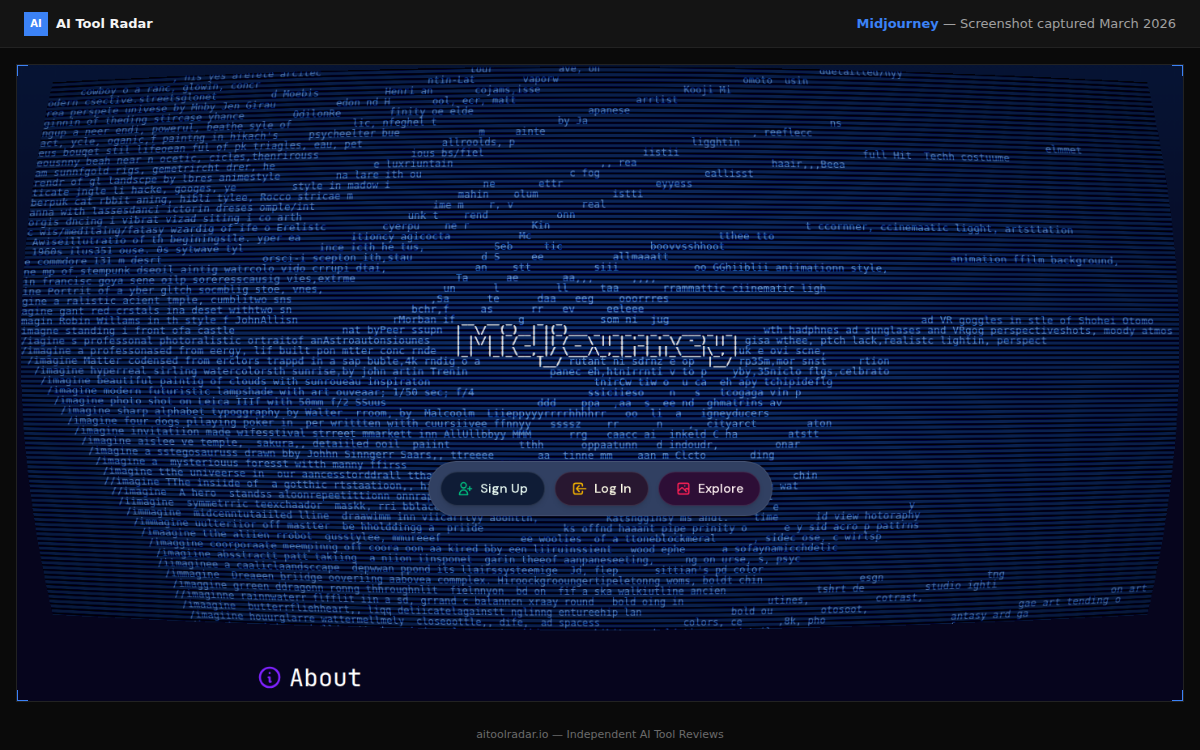
Best Quality: Midjourney#
Midjourney produces the most visually impressive AI-generated images available. V7 (default) creates photorealistic and artistic images with cinematic polish. V8 alpha (launched March 2026) adds 5x faster generation, native 2K resolution, and improved text rendering. The Discord-based workflow has a learning curve, but the quality justifies it.
Key strengths: Unmatched aesthetic quality, Omni Reference for character consistency, granular parameter control, draft mode for rapid iteration, v8 alpha advances.
Key weakness: Discord-based interface (web editor improving), no free tier, learning curve for parameters.
Price: Basic $10/mo ($8/mo annual) | Standard $30/mo ($24/mo annual) | Pro $60/mo ($48/mo annual) | Mega $120/mo ($96/mo annual)
Best for: Designers, marketers, content creators, and anyone who needs production-quality visuals.
Best Accessibility: ChatGPT Image Generation#
ChatGPT's GPT-4o native image generation (which replaced DALL-E 3 in 2025) provides the most accessible image creation experience. Describe what you want in plain language, iterate through conversation, and generate images with zero learning curve. Included with ChatGPT Plus at $20/month alongside every other ChatGPT capability.
Key strengths: Natural language workflow, strong prompt adherence, best text rendering, conversational iteration, bundled with ChatGPT.
Key weakness: Aesthetic refinement below Midjourney, limited creative control parameters, no character reference system.
Best for: ChatGPT subscribers who need occasional images, users who prioritize workflow simplicity.
Open-Source Option: Stable Diffusion#
Stable Diffusion runs locally on your hardware. Free (besides electricity and GPU), complete creative control, no content restrictions, thriving community of models and tools (ComfyUI, Automatic1111). Requires technical setup and a capable GPU.
Best for: Developers and technical users who want full control and privacy.
How they compare: Midjourney vs DALL-E for a detailed image generation comparison.
AI Writing Tools#
General-purpose chatbots handle most writing tasks, but dedicated writing tools add workflow structure, brand consistency, and format optimization that chatbots lack.
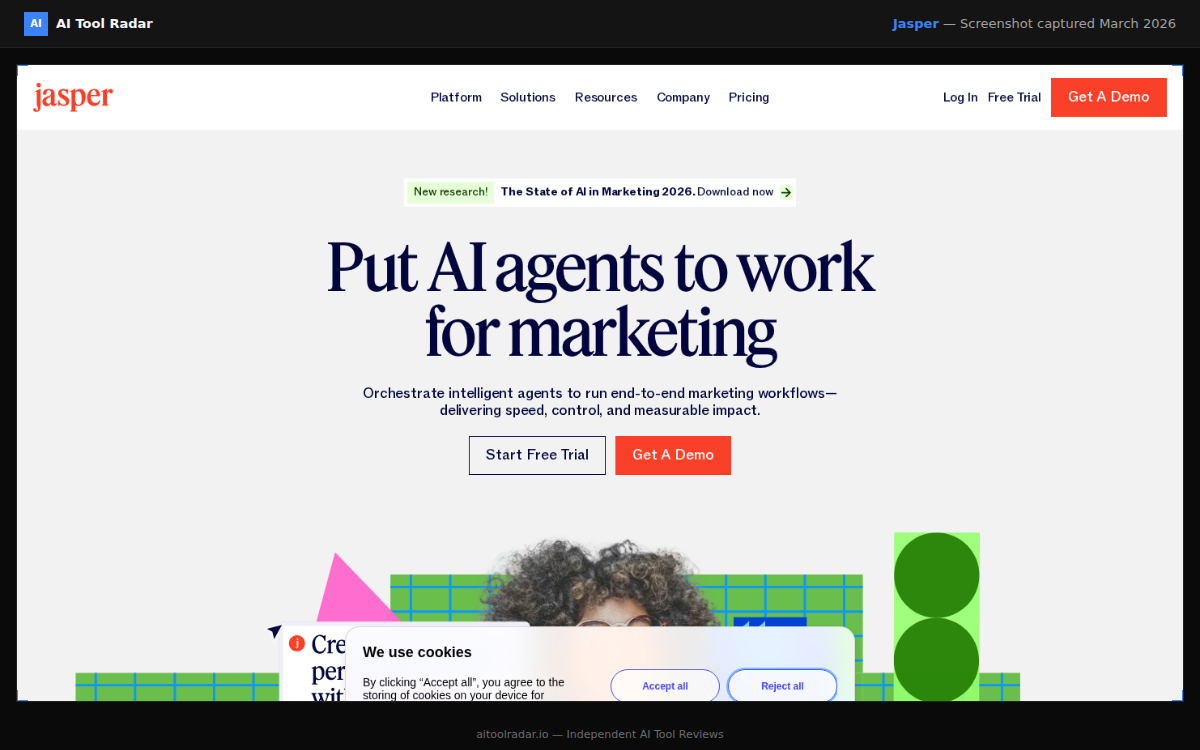
Best for Marketing Teams: Jasper#
Jasper is purpose-built for marketing teams. Jasper IQ centralizes brand voice, style rules, audience profiles, and product knowledge into a shared intelligence layer that every AI output draws from. AI agents handle specialized marketing tasks. Campaign workflows generate coordinated multi-channel content from a single brief. Team collaboration features include shared assets and role-based permissions.
Key strengths: Jasper IQ brand consistency, AI marketing agents, campaign multi-channel generation, team collaboration, 30+ language support.
Key weakness: Expensive ($69/mo minimum), raw writing quality does not exceed ChatGPT or Claude, template-driven output can feel formulaic.
Price: Pro $69/mo ($59/mo annual) | Business custom (the cheaper Creator plan was discontinued in May 2026)
Best for: Marketing teams of 3+ who produce content at volume and need brand consistency.
Best for Individual Writers: Claude#
For individual writers and content creators, Claude produces the highest quality long-form content of any AI tool. The nuanced writing style, varied sentence structure, and natural pacing mean Claude outputs need less editing than alternatives. At $20/month, it is more cost-effective than Jasper for individuals who can manage consistency through their own prompts.
Best for: Writers, bloggers, content creators, and anyone who prioritizes prose quality over marketing workflow features.
Budget Option: ChatGPT Free Tier#
ChatGPT's free tier handles casual writing tasks well. Blog outlines, email drafts, social media captions, brainstorming, and basic copywriting all produce solid results at no cost. For anything beyond casual use, upgrading to Plus ($20/month) or switching to Claude Pro ($20/month) is worth the investment.
AI Video Tools#
AI video crossed the threshold from "impressive demo" to "useful tool" in 2026. The leading platforms produce clips genuinely usable in commercial contexts.
Best Overall: Runway#
Runway is the leading AI video platform. Gen-4 handles text-to-video and image-to-video with good quality, while Gen-4.5 pushes quality further with better motion coherence and visual fidelity. The platform also includes traditional editing tools (rotoscoping, inpainting, motion tracking) that complement AI generation.
Key strengths: Gen-4.5 video quality, comprehensive editing suite, API for developers, strong creative control.
Key weakness: Credit-based pricing requires careful management, high-quality generation consumes credits quickly.
Price: Free (limited) | Standard $15/mo ($12/mo annual) | Pro $35/mo ($28/mo annual) | Max $95/mo ($76/mo annual) and Enterprise tiers available
Best for: Video creators, marketers, and creative professionals who need AI-generated clips or AI-enhanced editing.
Also Notable: Pika#
Pika offers strong video generation with a simpler, more approachable interface. Quality is slightly below Runway, but the workflow is more streamlined. Good for quick video clips without mastering a full editing suite.
Also Notable: Kling AI#
Kling AI by Kuaishou produces impressive video quality, especially for character animation and consistent motion. Gaining ground rapidly and worth evaluating for specific video use cases.
AI Audio and Voice#
Best Overall: ElevenLabs#
ElevenLabs produces the most natural-sounding AI voices available. Voice cloning from short audio samples, 29+ language support, emotion control, and conversational AI capabilities make it the standard for text-to-speech. It powers podcasts, audiobooks, game characters, accessibility tools, and AI phone agents.
Key strengths: Natural voice quality, voice cloning, 29+ languages, emotion control, conversational AI at $0.10/minute.
Key weakness: Higher tiers expensive for high-volume use, credit-based system requires monitoring.
Price: Free (10,000 credits/mo) | Starter $5/mo | Creator $22/mo | Pro $99/mo | Scale $330/mo
Best for: Content creators, podcast producers, audiobook publishers, developers building voice applications.
Runner-Up: OpenAI TTS#
OpenAI's text-to-speech (available via ChatGPT and API) produces high-quality voices at competitive speeds. Less customizable than ElevenLabs but deeply integrated with the OpenAI ecosystem. Best for users already invested in OpenAI's platform.
AI Productivity Tools#
Best for Knowledge Workers: Notion AI#
Notion AI brings AI directly into the Notion workspace for writing, summarization, translation, data extraction, and AI Agents. Full AI functionality requires the Business plan at $20/user/month. Free and Plus users get limited AI trial access.
Key strengths: Deep Notion integration, AI Agents, Ask Notion for knowledge base queries, familiar interface.
Key weakness: Requires Notion adoption, full AI limited to Business plan, less capable outside Notion's structured environment.
Best for: Notion users who want AI capabilities within their existing knowledge management workflow.
Best for Microsoft Shops: Microsoft Copilot for M365#
For organizations on Microsoft 365, Copilot integrates AI across Word, Excel, PowerPoint, Outlook, and Teams. The integration depth is unmatched for Microsoft-centric organizations. Enterprise pricing is $30/user/month as an add-on to qualifying M365 plans (as of March 2026; check microsoft.com for current details).
Best for: Organizations already on Microsoft 365 who want AI capabilities across their entire productivity suite.
AI SEO Tools#
Best Overall: Surfer SEO#
Surfer SEO combines AI content generation with data-driven optimization. Real-time content scoring, keyword recommendations, and competitor analysis help create content that ranks. The AI writer generates SEO-optimized drafts, while the audit tool improves existing pages.
Key strengths: Data-driven content optimization, real-time scoring, competitor analysis, AI writer integration, SERP analyzer.
Key weakness: Expensive starting at $99/month, learning curve for full feature utilization, AI Tracker costs extra ($95/month).
Price: Standard $99/mo annual ($119/mo without annual billing) | Pro $182/mo annual ($219/mo without annual billing) | Enterprise custom
Best for: Content marketers and SEO professionals who need data-driven content optimization.
Runner-Up: Clearscope#
Clearscope offers strong content optimization with a cleaner, simpler interface than Surfer. More expensive but preferred by teams that value simplicity over feature density. Good for organizations that want content optimization without the complexity.
Full Comparison Table#
| Tool | Category | Rating | Price (from) | Best For | Free Tier |
|---|---|---|---|---|---|
| Claude | Chatbot | 4.6 | $20/mo | Coding, writing, analysis | Yes (limited) |
| ChatGPT | Chatbot | 4.7 | Free / $20/mo | Everything (most versatile) | Yes |
| Cursor | Code Editor | 4.7 | $20/mo | AI-first development | Yes (limited) |
| GitHub Copilot | Code Assistant | 4.5 | $10/mo | Zero-friction coding AI | Yes (2K/mo) |
| Midjourney | Image Gen | 4.8 | $10/mo | Professional visuals | No |
| Jasper | Marketing AI | 4.3 | $69/mo | Marketing teams | No (7-day trial) |
| ElevenLabs | Voice/Audio | 4.6 | $5/mo | Text-to-speech, voice cloning | Yes (limited) |
| Runway | Video | 4.5 | $15/mo | AI video generation | Yes (limited) |
| Surfer SEO | SEO | 4.4 | $99/mo | Content optimization | No |
| Notion AI | Productivity | 4.4 | $20/user/mo | Knowledge management | Trial only |
How to Choose the Right AI Tools#
Start with Your Primary Use Case#
Do not subscribe to everything. Identify your most frequent AI task and invest in the best tool for that specific need:
- If you mostly write or analyze: Start with Claude ($20/mo) for quality, or ChatGPT ($20/mo) for versatility
- If you mostly code: Start with Cursor ($20/mo) for AI-first editing, or GitHub Copilot ($10/mo) for zero friction
- If you need visuals: Start with Midjourney ($10/mo) for quality, or ChatGPT image gen (included in Plus) for convenience
- If you do marketing: Start with Jasper ($69/mo) for teams, or ChatGPT with custom GPTs for individuals
Layer Tools Strategically#
Once your primary tool is established, add complementary tools that fill gaps:
- Claude + ChatGPT ($40/mo): Quality for hard tasks + versatility for everything else. The power-user default.
- Cursor + Claude Code ($40/mo): AI-first editing + project-level reasoning. The developer stack.
- ChatGPT Plus + Midjourney ($50/mo): Versatile AI + professional visuals. The creator stack.
| Tool | Price |
|---|---|
| Claude Pro | $20/mo |
| ChatGPT Plus | $20/mo |
| Cursor Pro | $20/mo |
| GitHub Copilot Pro | $10/mo |
| Midjourney Standard | $30/mo |
| Jasper Pro | $69/mo |
| Surfer SEO Standard | $99/mo |
| ElevenLabs Creator | $22/mo |
| Runway Pro | $35/mo |
Watch Your Subscription Costs#
AI subscriptions add up fast. A realistic professional stack with costs:
| Tool | Monthly | Purpose |
|---|---|---|
| Claude Pro | $20 | Writing, coding (Claude Code), analysis |
| ChatGPT Plus | $20 | Image gen, video, web research, versatility |
| Cursor Pro | $20 | Daily development |
| Midjourney Standard | $30 | Professional visuals |
| Total | $90 |
Not everyone needs all four. A tool you use daily at $20/month is better value than a tool you use weekly at $10/month. Evaluate ruthlessly.
Evaluate Before Committing#
Most tools offer free tiers or trials. Use them.
| Tool | Free Option |
|---|---|
| ChatGPT | Free tier (limited, ads in US) + Go at $8/mo |
| Claude | Free tier with daily limits |
| Cursor | Hobby plan with limited requests |
| GitHub Copilot | Free tier: 2,000 completions/mo |
| Midjourney | No free tier (Basic $10/mo is low risk) |
| Jasper | 7-day free trial |
| ElevenLabs | Free tier: 10,000 credits/mo |
| Runway | Free tier with limited credits |
A week of real use tells you more than any guide, including this one.
Key Trends in 2026#
Consolidation Around Major Platforms#
The market is consolidating. Generic AI wrappers built on top of OpenAI or Anthropic APIs are disappearing as the major providers build comprehensive platforms. Specialized tools survive only by offering genuinely differentiated value (Jasper's brand consistency, Cursor's editor integration, Midjourney's aesthetic quality).
Multi-Modal is the Baseline#
Text-only tools are becoming the exception. Users expect AI that handles text, images, audio, video, and code in a unified experience. ChatGPT leads with the broadest multi-modal feature set, but the expectation now applies to every category.
Developer Tools are Infrastructure#
AI coding tools evolved from "interesting experiment" to "essential infrastructure." The discussion shifted from "should I use one?" to "which combination?" The three-tier pattern (Copilot for completions, Cursor for editing, Claude Code for complex tasks) is emerging as the professional standard.
Enterprise Adoption is Production, Not Pilot#
Enterprise AI adoption moved from pilot programs to production deployments. Data privacy, compliance, team management, and governance features are table stakes. Tools without enterprise-grade security and administrative controls are losing ground in this segment.
Final Thoughts#
The best AI tools in 2026 share common traits: they solve real problems, integrate into existing workflows, and deliver consistent quality. The worst AI tools add complexity without proportional value.
Start with one or two tools that address your primary needs. Learn them thoroughly before expanding. The goal is not to use the most AI tools. It is to use the right AI tools effectively.
Every tool in this guide has been thoroughly researched based on official documentation, verified pricing, and real user feedback. The recommendations reflect genuine research depth. Explore the individual guides linked throughout for deeper analysis of each tool.
Head-to-Head Comparisons#
Dive deeper with our detailed comparison guides:
- ChatGPT vs Claude | ChatGPT vs Gemini
- Cursor vs GitHub Copilot | Best AI Coding Tools
- Midjourney vs DALL-E | Midjourney vs Ideogram
- Canva vs Adobe Firefly
- Jasper vs Copy.ai | Grammarly vs Jasper
- Surfer SEO vs Frase
- ElevenLabs vs Murf
- Runway vs Pika
- Notion vs ClickUp
Alternatives Guides#
Exploring options beyond the top picks? Browse alternatives for each category:
- Chatbots: ChatGPT alternatives
- Coding: GitHub Copilot alternatives
- Image Generation: Midjourney alternatives
- Writing: Jasper alternatives | Grammarly alternatives
- Video: Runway alternatives | Synthesia alternatives
- Audio: ElevenLabs alternatives
- Design: Canva alternatives
- SEO: Semrush alternatives | Surfer SEO alternatives
- Productivity: Notion alternatives
FAQ#
What is the best AI tool overall in 2026?#
It depends on your primary use case. For professional work requiring depth (coding, writing, analysis), Claude produces the highest quality output. For general-purpose versatility (images, video, voice, web research, plus text), ChatGPT covers the most ground. For image generation, Midjourney is unmatched on quality. There is no single tool that wins every category.
How much should I spend on AI tools per month?#
For individuals: $20-40/month covers most needs (one or two AI chatbots). Professionals typically spend $40-90/month on a curated stack of 2-4 tools. Start with one tool at $20/month and add more only when you identify a specific gap that costs you time or quality. Never subscribe to a tool "just in case."
Are free AI tools good enough?#
For casual use, yes. ChatGPT and Claude both offer capable free tiers. For professional work, paid plans deliver meaningfully better quality, higher limits, and essential features. The $20/month upgrade to ChatGPT Plus or Claude Pro is the single most impactful AI investment for most professionals.
Can I use multiple AI tools together?#
Yes, and most professionals do. The tools complement more than they compete. A common setup: Claude for writing and coding, ChatGPT for image generation and web research, Cursor for daily development. At $60/month total, this combination covers virtually every professional AI use case with the best tool for each.
Which AI tools do you personally use daily?#
A recommended professional stack: Claude Pro ($20/mo) for development with Claude Code, writing, and analysis. ChatGPT Plus ($20/mo) for image generation, video, web research, and multi-modal tasks. Cursor Pro ($20/mo) as the primary code editor. Add Midjourney ($30/mo) for projects that need professional visuals. Total: $60-90/month depending on visual needs.
Will AI tools replace jobs?#
AI tools augment human work rather than replace it. They handle routine tasks faster, produce first drafts, accelerate research, and automate repetitive processes. The professionals who thrive are those who use AI tools as force multipliers while maintaining their judgment, expertise, and creative direction. The key is learning to direct AI toward the right tasks.
Sources#
- https://chatgpt.com/pricing
- https://claude.com/pricing
- https://cursor.com/pricing
- https://github.com/features/copilot/plans
- https://docs.midjourney.com/hc/en-us/articles/27870484040333-Comparing-Midjourney-Plans
- https://www.jasper.ai/pricing
- https://elevenlabs.io/pricing
- https://runwayml.com/pricing
- https://surferseo.com/pricing/
- https://www.techradar.com/best/best-ai-tools
- https://zapier.com/blog/best-ai-productivity-tools/
- https://www.nxcode.io/resources/news/best-ai-for-coding-2026-tools-ranked
