This site contains affiliate links. We may earn a commission at no extra cost to you. This helps us keep the site running and continue providing free guides and comparisons.
Verdict Table#
| Category | GitHub Copilot | Cursor | Claude Code | Winner |
|---|---|---|---|---|
| Inline Completions | Instant ghost text, Tab to accept | Comparable tab completions | Not designed for this | Copilot |
| AI-Driven Editing | Chat + Agent Mode | Cmd+K inline, Composer multi-file | Natural language terminal commands | Cursor |
| Complex Refactoring | Limited to current file context | Good multi-file via Composer/Agent | Full project reasoning, 1M tokens | Claude Code |
| Context Understanding | Indexed project files, nearby context | Full codebase indexed | Entire project from file system (up to 1M tokens) | Claude Code |
| Learning Curve | Install plugin, start typing | VS Code fork, new AI workflows | Terminal CLI, effective prompting | Copilot |
| Value for Money | $10/mo Pro | $20/mo Pro | $20/mo (Claude Pro) | Copilot |
| Model Flexibility | GPT-5, Claude Opus, others | Claude, GPT-5, Auto mode | Claude Opus 4.6, Sonnet 4.6 | Cursor |
| Overall | Best for augmenting | Best for AI-first editing | Best for complex development | Cursor |
Quick Answer#
Choose GitHub Copilot if you want AI coding assistance with zero workflow disruption. It works inside your existing IDE, costs $10/month, and makes you faster without changing how you work. The safe, proven default.
Choose Cursor if you want the most powerful AI-integrated editor. Cmd+K editing, Composer multi-file changes, and Agent mode create a development experience that plugins cannot replicate. Best overall AI coding tool in 2026.
Choose Claude Code if you tackle complex refactoring, migrations, and architecture tasks. The terminal-based tool reasons about your entire project and makes comprehensive changes that editor-based tools cannot manage. The power tool for hard problems.
This article contains affiliate links. We earn a commission at no extra cost to you.
How We Built This Comparison#
This comparison is based on official documentation, verified pricing, and real user feedback from G2 and Reddit for both tools. We analyzed feature sets, pricing structures, and community sentiment to provide an informed recommendation. All facts were last verified March 2026.
Feature Matrix#
All features and pricing verified as of March 2026. Check official pricing pages for current details.
| Feature | GitHub Copilot Pro | Cursor Pro | Claude Code (via Claude Pro) |
|---|---|---|---|
| Price | $10/mo ($100/yr) | $20/mo | $20/mo (Claude Pro) |
| Interface | Plugin in your IDE | Standalone editor (VS Code fork) | Terminal CLI |
| Inline completions | Yes (ghost text) | Yes (ghost text) | No |
| AI chat panel | Yes (Copilot Chat) | Yes (codebase-aware) | Yes (project-aware) |
| Inline editing | Limited | Cmd+K (select + describe) | No (terminal commands) |
| Multi-file edits | Agent Mode | Composer | Full project changes |
| Autonomous agent | Agent Mode | Agent Mode | Yes (read, edit, run, commit) |
| Codebase indexing | Yes (project files) | Yes (full codebase) | Reads file system directly |
| Context window | Multi-file (indexed) | Full codebase (indexed) | Up to 1M tokens |
| Shell command execution | No | Terminal integration | Yes (native) |
| Git operations | No | Limited | Yes (native) |
| Test running | No | Via terminal | Yes (native) |
| Model options | GPT-5, Claude Opus 4.6, others | Claude, GPT-5, Auto mode | Claude Opus 4.6, Sonnet 4.6 |
| Premium requests | 300/mo (Pro), $0.04 overage | ~225 Sonnet 4 equivalent / $20 credit | Claude Pro message limits |
| IDE compatibility | VS Code, JetBrains, Neovim, others | Standalone only (VS Code fork) | Any terminal |
| Free tier | Yes (2,000 completions/mo) | Hobby plan (limited) | Claude Free (very limited) |
| Feature | Copilot | Cursor | Claude Code |
|---|---|---|---|
| Free tier | ✓ | ✓ | ✓ |
| Multi-file editing | ✓ | ✓ | ✓ |
| Agent mode | ✓ | ✓ | ✓ |
| IDE integration | ✓ | ✓ | ✗ |
| Terminal native | ✗ | ✗ | ✓ |
| Custom models | ✓ | ✓ | ✗ |
Detailed Comparison#
GitHub Copilot: The Safe Choice#
How It Works#
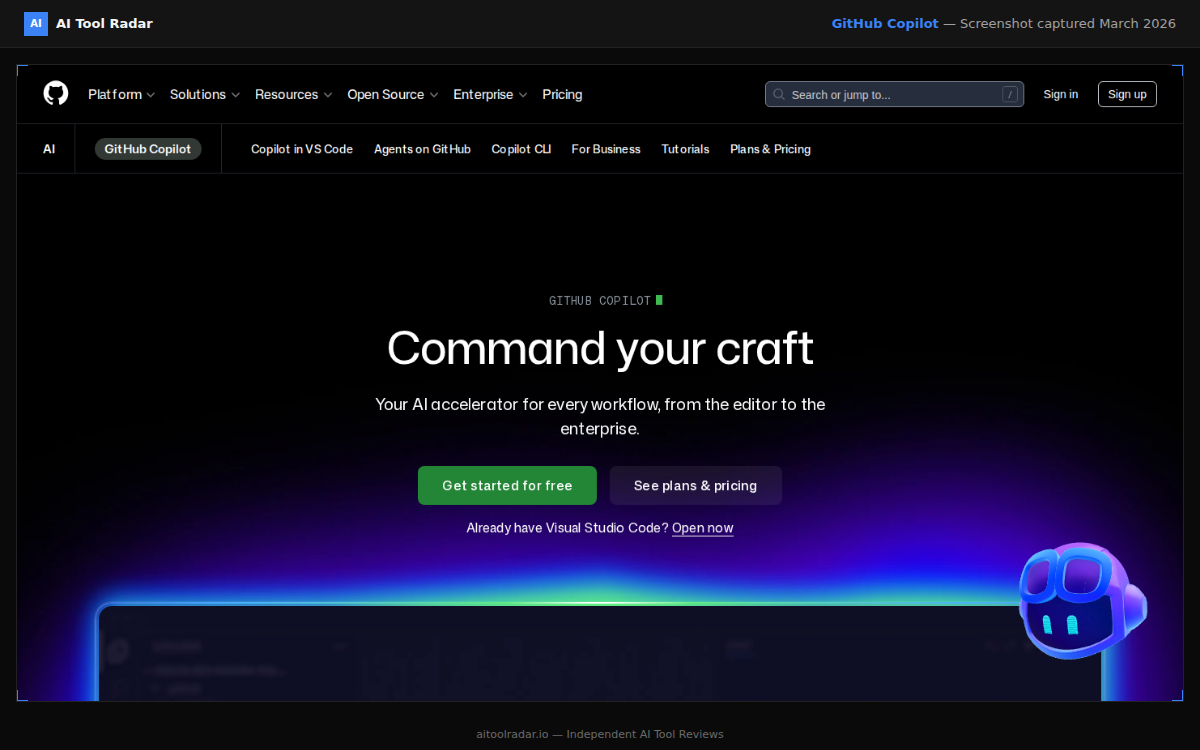
GitHub Copilot runs as a plugin inside your existing IDE (VS Code, JetBrains, Neovim, and others). As you type, it suggests code completions that appear as ghost text. Tab to accept. Copilot Chat adds a conversation panel for asking questions, debugging, explaining code, and generating new code. Agent Mode can work through multi-step tasks autonomously, though it operates within the IDE context rather than at the project level.
Where Copilot Excels#
Boilerplate and patterns: Copilot is the fastest at completing repetitive code. Writing a CRUD endpoint, a React component with standard hooks, or a database query? Copilot generates it before you finish typing the function name. This is where the daily productivity gain accumulates.
Zero friction adoption: You do not change editors, learn new interfaces, or alter your development workflow. Install the plugin, start coding. For teams adopting AI tools for the first time, Copilot is the lowest-risk option. It makes everyone faster without disrupting anyone's process.
Language breadth: Copilot handles virtually every programming language with decent quality. Niche languages, legacy frameworks, and domain-specific tooling get better coverage from Copilot's training data and model diversity than from competitors.
Price: At $10/month for Pro ($100/year), Copilot is the most affordable paid AI coding tool. The free tier includes 2,000 completions per month, enough for light use.
Where Copilot Falls Short#
Complex reasoning: For multi-file refactoring, architectural decisions, or understanding how a change ripples through a codebase, Copilot's suggestions are limited by its context scope. It thinks locally. When the problem is global, Copilot provides local answers.
Context depth: While Copilot now indexes project files, its understanding of cross-file relationships is shallower than Cursor's full codebase indexing or Claude Code's file-system-level awareness.
Premium request limits: The Pro plan includes 300 premium requests per month. Heavy Chat and Agent Mode usage can exhaust this, with overage at $0.04 per request. Pro+ ($39/month) increases the allowance significantly.
Read the full GitHub Copilot guide.
Cursor: The AI-First Editor#
How It Works#
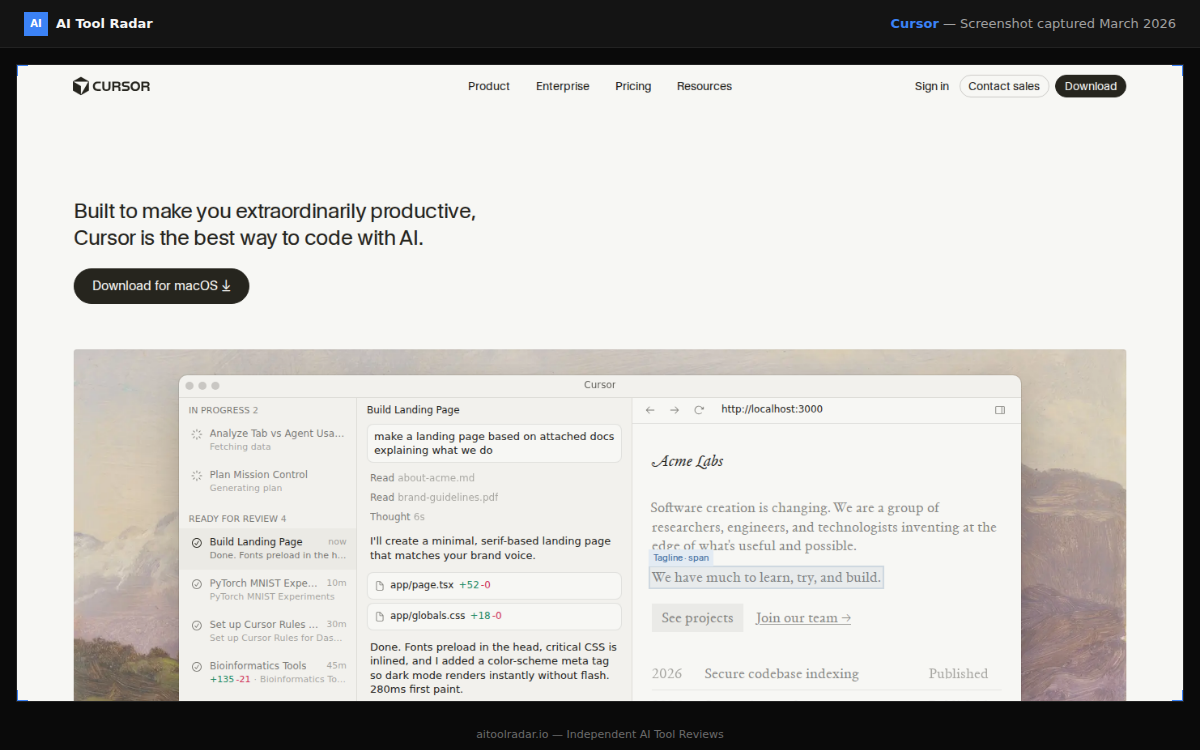
Cursor is a standalone code editor (VS Code fork) built around AI from the ground up. Every interaction is designed for AI-assisted development. Cmd+K opens inline editing: select code, describe what you want, get a reviewed diff. The chat panel understands your full codebase via deep indexing. Composer generates coordinated edits across multiple files from a single description. Agent Mode plans and executes multi-step tasks autonomously.
Where Cursor Excels#
Inline editing (Cmd+K): This is the single most productive AI coding interaction available. Select a function, type "add error handling and input validation," review a clean diff in seconds. It is faster than prompting a chatbot and pasting code, and more powerful than Copilot's line-by-line completions. Once you internalize this workflow, it becomes your primary editing method.
Multi-file changes (Composer): Describe a feature and Composer generates coordinated edits across multiple files. "Add a /api/users endpoint with validation, database query, types, and tests" produces changes to four or five files. You review each diff individually and accept or reject. Agent Mode takes this further by planning steps, executing them, and handling errors autonomously.
Model flexibility: Cursor supports Claude, GPT-5, and other models. Auto mode selects the best model per task without consuming premium credits. You can manually select frontier models for complex tasks. This flexibility means you always use the best model for the job.
VS Code ecosystem: Your extensions, themes, keybindings, and settings transfer from VS Code. The migration cost is nearly zero for VS Code users, which is the majority of developers.
Where Cursor Falls Short#
Editor commitment: You must switch to Cursor as your editor. Even though it is a VS Code fork with near-zero migration friction, it is still a separate application. Teams standardized on JetBrains, Neovim, or other editors face real adoption friction.
Credit-based pricing: The Pro plan includes $20 of frontier model inference credit per month. Based on median usage, this covers roughly 225 Sonnet 4 requests, 550 Gemini requests, or 650 GPT-4.1 requests. Heavy users, especially with Agent Mode, may need Pro+ ($60/month) or Ultra ($200/month).
Large codebase performance: Indexing very large repositories (100K+ files) can be slow and resource-intensive. Cursor works best with focused, well-structured projects under ~50K files.
Read the full Cursor guide.
Claude Code: The Power Tool#
How It Works#
Claude Code is a terminal-based AI development tool. Run it in your project directory, and it reads your files, understands the architecture, and responds to natural language commands. It creates files, edits code, runs shell commands, executes tests, handles git operations, and reasons about your entire codebase. Powered by Claude Opus 4.6 and Sonnet 4.6.
Where Claude Code Excels#
Project-level reasoning: Claude Code understands your entire project: architecture, patterns, dependencies, conventions, test structure. When you ask it to add a feature, it knows where every piece should go. It does not just generate code. It makes informed decisions about structure based on your existing codebase's patterns.
Complex refactoring: Renaming a concept across 20 files. Migrating from one library to another. Restructuring a module boundary. Splitting a monolith into services. Claude Code handles changes that would take hours of manual editing, and it gets the subtle details right: updating imports, adjusting types, fixing tests, updating documentation.
1M token context: Claude Opus 4.6 processes up to 1M tokens. In practice, this means Claude Code holds a medium-to-large codebase entirely in context. It sees cross-file relationships, architectural patterns, and subtle dependencies that tools with smaller context windows miss entirely.
End-to-end workflows: Claude Code is not just a code generator. "Write the API endpoint, add tests, run them, fix any failures, and commit" is a single instruction it can execute autonomously. It reads error output, diagnoses issues, iterates on fixes, and verifies success.
Where Claude Code Falls Short#
No IDE integration: Claude Code runs in the terminal, separate from your editor. You review changes via git diffs or in your editor after the fact. No inline highlighting, no visual diff preview, no point-and-click.
Learning curve: Understanding how to give effective instructions, when to let Claude Code be autonomous versus when to guide step by step, when to use Opus versus Sonnet, takes practice. The terminal interface is less approachable than a GUI editor for developers who prefer visual workflows.
Overhead for simple tasks: For quick completions and small edits, Claude Code is slower than Tab-accepting a Copilot suggestion or Cmd+K editing in Cursor. Starting the session, describing the change, reviewing the output: the overhead does not justify itself for small changes.
Usage limits: Claude Code uses your Claude Pro subscription message limits. Heavy Opus usage can exhaust daily limits. The Max plan ($100-200/month) addresses this for power users who rely on Claude Code daily.
Read the full Claude guide.
Head-to-Head Rankings#
Code Completion Speed#
- GitHub Copilot: Instant inline ghost text as you type. Purpose-built for this.
- Cursor: Tab completions comparable to Copilot. Cmd+K adds a few seconds but delivers more.
- Claude Code: Not designed for line-by-line completion. Different paradigm.
Complex Multi-File Refactoring#
- Claude Code: Understands the full project, makes comprehensive cross-file changes with correct imports and types.
- Cursor (Composer/Agent): Good multi-file edits within the editor. Handles 4-8 files well. Struggles with 20+ file changes.
- GitHub Copilot (Agent): Improving but limited by shallower context understanding.
Context and Project Understanding#
- Claude Code: Reads the entire project from the file system. Up to 1M tokens of working context.
- Cursor: Indexes the codebase for search and reference. Deep understanding of indexed code.
- GitHub Copilot: Indexes nearby files, open tabs, and project structure. Improving but shallowest.
Learning Curve (easiest first)#
- GitHub Copilot: Install plugin. Start typing. Tab to accept. Done.
- Cursor: Familiar VS Code base. New AI workflows (Cmd+K, Composer, Agent) to learn.
- Claude Code: Terminal interface. Effective prompting technique. Editor-agnostic but no visual integration.
Value for Money#
- GitHub Copilot Pro ($10/mo): Best cost-to-productivity ratio for general development.
- Claude Code ($20/mo via Claude Pro): Claude Pro includes the full Claude assistant, web chat, and Code. Two tools for one price.
- Cursor Pro ($20/mo): Worth it if you commit to Cursor as your primary editor and leverage the full feature set.
Pricing Comparison#
All prices as of March 2026. Check github.com/features/copilot/plans, cursor.com/pricing, and claude.com/pricing for current details.
| Tier | GitHub Copilot | Cursor | Claude (for Claude Code) |
|---|---|---|---|
| Free | 2,000 completions/mo, 50 chat messages/mo | Hobby (limited requests) | Free tier (very limited) |
| Standard | Pro $10/mo ($100/yr): 300 premium requests/mo | Pro $20/mo: ~$20 model credit | Pro $20/mo: Opus 4.6 + Sonnet 4.6 + Code |
| Power | Pro+ $39/mo ($390/yr): larger premium allowance | Pro+ $60/mo (3x usage), Ultra $200/mo (20x) | Max $100/mo or $200/mo (up to 20x limits) |
| Team | Business $19/user/mo | Business $40/user/mo | Team $25-30/user/mo |
| Enterprise | Enterprise $39/user/mo | Enterprise (custom) | Enterprise (custom) |
The Best Combination#
Most professional developers in 2026 use a combination. The tools operate at different levels and complement rather than compete.
Budget: Copilot Only ($10/month)#
GitHub Copilot Pro in your existing IDE. Lowest friction, proven productivity boost, broadest language support. Best for developers who want enhancement without disruption, teams adopting AI tools for the first time, or budget-conscious individuals.
Recommended: Cursor + Claude Code ($40/month)#
Cursor Pro as your primary editor for daily development. Claude Code for complex tasks requiring project-level reasoning. This is the recommended combination for full-stack developers who build features across multiple files and occasionally tackle complex refactoring or migrations.
Maximum: All Three ($50/month)#
Copilot background completions, Cursor for AI-driven editing, Claude Code for architecture and complex refactoring. Overlap is minimal because each tool operates at a different level of abstraction. Justifiable for developers who produce code at volume across diverse projects.
The Bottom Line#
Cursor is the best overall AI coding tool in 2026. The combination of inline editing (Cmd+K), multi-file Composer, Agent mode, model flexibility, and the familiar VS Code foundation creates the most complete AI-assisted development experience. For developers who make Cursor their primary editor, it delivers the highest daily productivity gain.
GitHub Copilot is the best entry point. At $10/month with zero workflow disruption, it is the recommendation for anyone who has not yet adopted AI coding tools. Start here.
Claude Code is the best for hard problems. When you need to refactor an entire module, migrate a library, or make changes that span dozens of files, Claude Code's project-level reasoning and 1M token context are in a different league. It is not a daily driver for simple edits; it is the tool you reach for when the task exceeds what an editor-based tool can handle.
The tools complement each other. Choose based on where you spend most of your development time, and layer additional tools as your projects demand.
For deeper analysis, read our full Cursor guide and GitHub Copilot guide. Explore GitHub Copilot alternatives for more coding tools. For a category-by-category overview, see our Best AI Tools 2026 guide.
FAQ#
Can I use GitHub Copilot inside Cursor?#
Yes. Cursor supports the Copilot extension, so you can have Copilot's inline completions alongside Cursor's Cmd+K editing, Composer, and Agent mode. Some developers run this combination to get background completions (Copilot) plus intelligent editing (Cursor). Whether the added $10/month is worth it depends on how much you rely on inline tab completions.
Is Claude Code the same as Claude?#
Claude Code is a specific tool within the Claude ecosystem, accessed via the terminal. It uses the same Claude models (Opus 4.6, Sonnet 4.6) but is purpose-built for development workflows: reading project files, making edits, running commands, executing tests, and handling git. It requires a Claude Pro ($20/month), Max ($100-200/month), or Team subscription. The Claude Pro subscription also includes the standard Claude web chat interface.
Which AI coding tool is best for beginners?#
GitHub Copilot. It works inside your existing IDE, suggestions appear as non-disruptive ghost text you accept with Tab, and the free tier (2,000 completions/month, 50 chat messages) lets you start without commitment. Cursor is the natural next step when you want more AI power. Claude Code is for developers comfortable with terminal workflows who tackle complex tasks. If you cannot code at all and want a finished app rather than coding help, that is a different category — an AI app builder. See Should You Build Your MVP With Lovable?.
Do AI coding tools work with all programming languages?#
All three work well with popular languages (JavaScript, TypeScript, Python, Go, Rust, Java, C++, etc.). Copilot has the broadest language coverage due to its training data diversity and multi-model support. Cursor depends on the selected model. Claude Code works well with any mainstream language. For niche, domain-specific, or very new languages, support varies across all tools.
Will AI coding tools replace developers?#
No. These tools augment developers by handling boilerplate, suggesting implementations, and accelerating routine tasks. They do not replace the architectural judgment, debugging intuition, domain expertise, and product thinking that developers bring. The developers who adopt AI coding tools effectively become significantly more productive. The tools are force multipliers, not substitutes.
How do I manage AI coding tool costs?#
Start with one tool. GitHub Copilot Pro at $10/month is the lowest-cost option with meaningful impact. Add Cursor ($20/month) when you want AI-first editing. Add Claude Code ($20/month via Claude Pro) when you regularly face complex refactoring tasks. Monitor your usage against plan limits: Copilot's 300 premium requests, Cursor's credit-based system, and Claude's daily message limits can all surprise heavy users. Upgrade to higher tiers only when you consistently hit limits.
