
This site contains affiliate links. We may earn a commission at no extra cost to you. This helps us keep the site running and continue providing free guides and comparisons.
The Bottom Line#
Gamma is the best AI presentation tool for speed and accessibility. It turns a text prompt, a pasted document, or an uploaded file into a polished, shareable presentation in under two minutes. Based on our analysis and user feedback, it eliminates the most tedious part of presentation building: layout, formatting, and visual design. The AI handles structure and aesthetics while you focus on content. At $8/month (annual) on the Plus plan, it is one of the most affordable productivity tools in the AI space. It does not replace a skilled designer for high-stakes keynotes, but for 80% of business presentations, it produces better results faster than starting from scratch in PowerPoint or Google Slides.
Rating: 4.6/5 | Price: Free / $8 / $15/month per user | Last verified: March 2026
Score Breakdown
Key Facts#
- Pricing: Free (400 one-time credits), Plus ($8/user/mo annual, $10 monthly), Pro ($15/user/mo annual, $20 monthly), Ultra (introductory pricing)
- Free tier: Yes, 400 AI credits at signup (approximately 10 presentations), not renewable monthly
- Platforms: Web app (browser-based), export to PDF, PPTX, Google Slides, PNG; API available (launched fall 2025)
- Collaboration: Real-time co-editing on paid plans
- Key differentiator: Gamma Agent (launched September 2025 in Gamma 3.0) edits with you via chat, connected to the web for real-time data
- Integrations: Zapier, Make.com, Airtable, Figma, Miro, Google Slides, YouTube, Microsoft products
- Security: SOC 2 Type II certified (October 2025), GDPR and CCPA compliant
What Is Gamma and Who Is It For?#
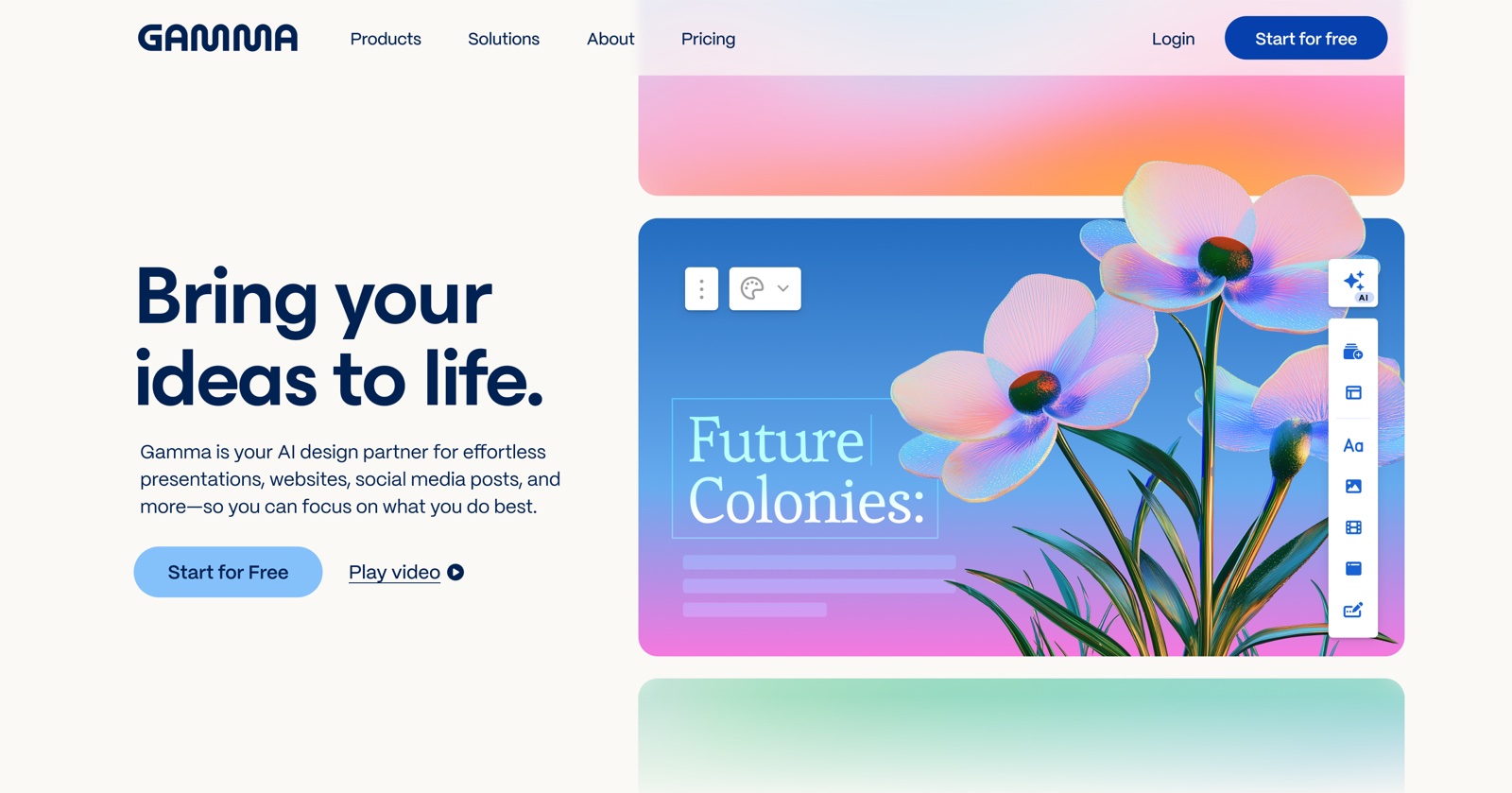
Gamma is an AI-powered presentation and document builder that generates complete slide decks from text prompts, pasted content, or uploaded files. It targets professionals, students, marketers, consultants, and teams who need to create presentations regularly but do not want to spend hours on layout and design.
Unlike traditional presentation software where you start with a blank slide, Gamma starts with your content and builds the visual layer around it. Type a prompt like "quarterly marketing report for a SaaS company" and the AI generates an outline, creates slides with appropriate layouts, populates placeholder content, and applies a cohesive visual theme. You can then edit every element, swap themes with one click, and refine using AI chat commands.
Gamma also produces standalone documents and webpages using the same AI engine, making it more than a slide tool. For teams that share information in multiple formats, the ability to create a presentation, a document, and a shareable webpage from the same source content is a genuine workflow advantage.
Why Gamma
Visit provider- Prompt-to-Presentation GenerationGamma's headline feature works reliably.
- AI Chat EditingOnce your presentation exists, you can refine it through natural language commands in Gamma's AI chat.
- One-Click Theme SwitchingGamma includes a library of pre-built themes that you can apply to any presentation with a single click.
- Multi-Format ExportExport your presentations as PDF, PPTX (PowerPoint), Google Slides, or PNG images.
- AI Image GenerationGamma's built-in image generation creates custom visuals directly within your slides.
How We Built This Guide#
This guide is based on Gamma's official documentation, verified pricing from gamma.app/pricing, and real user feedback from G2 and Trustpilot, plus community discussions on Reddit. We analyzed Gamma's feature set, pricing structure, and market positioning against alternatives. All facts were last verified March 2026.
Our sources include:
- Official product pages and documentation
- G2 user reviews (verified ratings)
- Trustpilot reviews
- Reddit community discussions
- Changelog and release notes
- Competitor comparison data
Features in Depth#
Prompt-to-Presentation Generation#
Gamma's headline feature works reliably. Enter a topic, and the AI generates an outline for your approval. Accept or modify the outline, and Gamma produces complete slides with layouts, text, and visual elements. The entire process takes under two minutes for a 10-slide deck. Based on user reports, the generated outlines are logically structured approximately 80% of the time. The remaining 20% need outline adjustments before generation, which is quick to do. The AI assigns appropriate layouts per slide type: title slides get hero treatments, data slides get comparison layouts, and conclusion slides get summary formats.
AI Chat Editing#
Once your presentation exists, you can refine it through natural language commands in Gamma's AI chat. Ask it to "make this slide more visual," "add a comparison table to slide 4," "change the tone to be more formal," or "generate an image for the hero section." The AI modifies the presentation in place without breaking the layout. This is faster than manual editing for structural changes. For precise pixel-level adjustments, you still need to use the direct editor.
One-Click Theme Switching#
Gamma includes a library of pre-built themes that you can apply to any presentation with a single click. The content stays intact while the visual identity transforms. The "shuffle theme" feature cycles through options so you can preview different looks quickly. This is particularly useful when repurposing the same content for different audiences or brands. Based on user reports, themes apply cleanly without layout breaks on standard slide structures. Complex custom layouts occasionally need minor adjustments after a theme switch.
Multi-Format Export#
Export your presentations as PDF, PPTX (PowerPoint), Google Slides, or PNG images. You can also share via a live link that recipients view in their browser without downloading anything. The PPTX export maintains fidelity well, though complex animations do not carry over to PowerPoint. The PDF export is reliable for print and email. The shareable link is the smoothest option for most business use cases: recipients get a clean, responsive viewing experience without file compatibility issues.
AI Image Generation#
Gamma's built-in image generation creates custom visuals directly within your slides. Describe what you need, and the AI generates an image in the context of your slide's theme and color palette. The quality is suitable for presentations (not print production) and saves you from searching stock photo libraries. For most business presentations, the AI-generated images are more relevant than generic stock photos.
Real-Time Collaboration#
Paid plans support real-time co-editing, where multiple team members can work on the same presentation simultaneously. Comments, suggestions, and edits sync in real time. The collaboration experience is smoother than Google Slides for AI-assisted workflows because you can have the AI make changes while a colleague edits a different section.
Pros
- Generates a complete, well-structured 10-slide presentation from a text prompt in under 2 minutes, saving hours of manual layout work
- AI chat editing lets you refine slides through natural language commands without breaking existing layouts or formatting
- One-click theme switching transforms the visual identity of an entire presentation while keeping content intact
- Multi-format export to PPTX, PDF, Google Slides, PNG, and shareable web links covers every distribution scenario
- The Plus plan at $8/month per user is significantly cheaper than competing AI presentation tools
- Built-in AI image generation creates contextually relevant visuals without leaving the platform
Cons
- Free tier provides only 400 one-time credits (not monthly), which exhausts after approximately 10 presentations
- G2 and Trustpilot reviewers report limited customization for professional presentations with repetitive slide designs and limited visual variety
- Export quality issues: multiple users report designs breaking completely when exporting to PPTX or PDF
- Trustpilot reviews flag billing problems, unexpected charges, and difficulty getting refunds or reaching customer support
- PPTX export does not carry over animations or interactive elements, limiting use for PowerPoint-dependent teams
Pricing Breakdown#
Gamma offers three tiers as of March 2026:
Free -- 400 AI credits at signup, basic analytics, Gamma branding on all outputs. The credits are a one-time allocation, not a monthly refresh. Each full presentation consumes approximately 40 credits, so you get roughly 10 presentations before the credits run out. You can earn additional credits through referrals (200 credits per referral), with a maximum of 2,000 credits at any time. Sufficient for evaluation, but the non-renewable nature limits sustained use.
Plus ($8/user/month annual, $10/user/month monthly) -- 400 AI credits per month, priority support, remove Gamma branding, custom fonts and domains, and basic analytics. This is the sweet spot for individuals and small teams who create presentations regularly. 400 monthly credits covers approximately 10 presentations per month, which is enough for most professionals.
Pro ($15/user/month annual, $20/user/month monthly) -- Unlimited AI creation, premium AI models, custom branding, analytics, API access, and 10 custom domains. The unlimited AI generation removes credit anxiety for heavy users. The advanced analytics help track engagement on shared presentations. For teams producing 15+ presentations per month, Pro is worth the $7/month premium over Plus.
Ultra (introductory pricing) -- The newest tier with the most advanced AI models, 100 custom domains, and early access to new features. Pricing is introductory and may change.
Teams (100+ seats) -- Custom pricing available on request for large organizations. Contact Gamma's sales team for volume discounts.
| Plan | Price | Key Features |
|---|---|---|
| Free | $0 | 400 AI credits (one-time), Basic analytics, Gamma branding |
| ⭐ Plus | $8/user/mo (annual) | 400 AI credits/month, Remove branding, Custom fonts/domains, Priority support |
| Pro | $15/user/mo (annual) | Unlimited AI creation, Premium AI models, API access, Analytics, 10 custom domains |
Free
- 400 AI credits (one-time)
- Basic analytics
- Gamma branding
Plus
- 400 AI credits/month
- Remove branding
- Custom fonts/domains
- Priority support
Pro
- Unlimited AI creation
- Premium AI models
- API access
- Analytics
- 10 custom domains
Similar Tools Worth Considering#
- Google Slides + Gemini: Free and deeply integrated with Google Workspace. Gemini can assist with content, but the presentation generation is less polished than Gamma. Better if you already live in the Google ecosystem and need tight Docs/Sheets integration.
- Microsoft PowerPoint + Copilot: The enterprise standard with AI assistance via Copilot. More powerful for complex animations and corporate templates. More expensive per user and heavier to use. Better for organizations standardized on Microsoft 365. See our Microsoft Copilot guide for details.
- Beautiful.ai: Similar AI-assisted presentation approach with stronger design templates and animation capabilities. Higher pricing than Gamma. Better for teams that need more design polish without hiring a designer.
- Canva Presentations: AI-assisted presentation builder within the broader Canva design platform. Stronger template library and design flexibility. Better for teams that need presentations plus other design assets in one tool. Less AI-native than Gamma's prompt-to-presentation workflow.
- Tome: Previously an AI presentation tool, Tome pivoted to sales in 2025. If you are looking for AI presentations, Gamma is the better choice.
For a broader overview of AI productivity tools, see our Best AI Tools 2026 guide.
Who Should Use Gamma?#
Best for consultants and agencies: Generate client-ready decks from brief notes or meeting summaries. The speed from concept to polished deck means you spend more time on strategy and less on formatting. Theme switching lets you match each client's brand quickly.
Best for marketing teams: Create campaign decks, quarterly reports, and strategy presentations without waiting for design resources. The AI handles layout while you focus on the data and narrative. Export to shareable links for easy stakeholder distribution.
Best for students and educators: Build lecture slides, project presentations, and study materials from notes or textbook content. The free tier provides enough credits for initial projects, and the Plus plan is priced accessibly for academic budgets.
Best for startup founders: Pitch decks, investor updates, and team presentations on tight timelines. Gamma produces professional-looking output fast enough to iterate on messaging without design bottlenecks.
NOT for you if you need pixel-perfect brand presentations for keynotes or product launches (hire a presentation designer or use Keynote/Figma), your workflow is deeply tied to PowerPoint's animation system (Gamma's PPTX export drops animations), or you need advanced data visualization with live data connections (dedicated BI tools like Tableau serve this better).
Gamma is the fastest path from an idea to a shareable presentation. Its AI generation is reliable, the editing tools are intuitive, and the pricing is the best in its category. For the 80% of presentations that need to be good enough rather than perfect, Gamma saves hours per deck.
Its biggest strength is the combination of speed and quality at a price point that makes it accessible to individuals, students, and small teams. Its biggest weakness is the design ceiling: high-stakes presentations still benefit from a professional designer or more sophisticated tools.
Start with the free tier to test the AI generation quality on your actual content. If it meets your standards, the Plus plan at $8/month is one of the best values in productivity software.
FAQ#
Is Gamma free to use?#
Gamma offers a free tier with 400 AI credits at signup, enough for approximately 10 full presentations. However, these credits are a one-time allocation and do not refresh monthly. You can earn additional credits through referrals (200 per referral) up to a maximum of 2,000 credits. For ongoing use, you need the Plus plan at $8/month per user (annual billing) or $10/month (monthly billing).
Can I export Gamma presentations to PowerPoint?#
Yes. Gamma exports to PPTX format that opens in Microsoft PowerPoint. The export maintains text, images, and basic layouts faithfully. However, animations, interactive elements, and some advanced formatting do not carry over. For PowerPoint-dependent workflows, you may need to refine the exported file. PDF and shareable web links are also available as alternative distribution formats.
How does Gamma compare to Google Slides?#
Gamma starts with AI-generated content and design; Google Slides starts with a blank canvas. Gamma is significantly faster for creating presentations from scratch because it handles layout, structure, and visual design automatically. Google Slides offers deeper integration with Google Workspace, more granular editing control, and free unlimited usage. Use Gamma when speed matters; use Google Slides when you need precise control or tight ecosystem integration.
What happens when I run out of Gamma credits?#
On the free tier, you cannot generate new AI content once your credits are exhausted (unless you earn more through referrals). On the Plus plan, credits refresh monthly (400 per month). On the Pro plan, AI generation is unlimited. You can still manually edit existing presentations without credits on any plan, but AI-powered features like generation, chat editing, and image creation require credits.
Can multiple people collaborate on a Gamma presentation?#
Yes, but real-time collaboration is available on paid plans only. On Plus and Pro, multiple team members can edit the same presentation simultaneously with live syncing. Comments and suggestions work similarly to Google Docs. Free tier users can share presentations via link but cannot co-edit in real time.
