This site contains affiliate links. We may earn a commission at no extra cost to you. This helps us keep the site running and continue providing free guides and comparisons.
The Bottom Line#
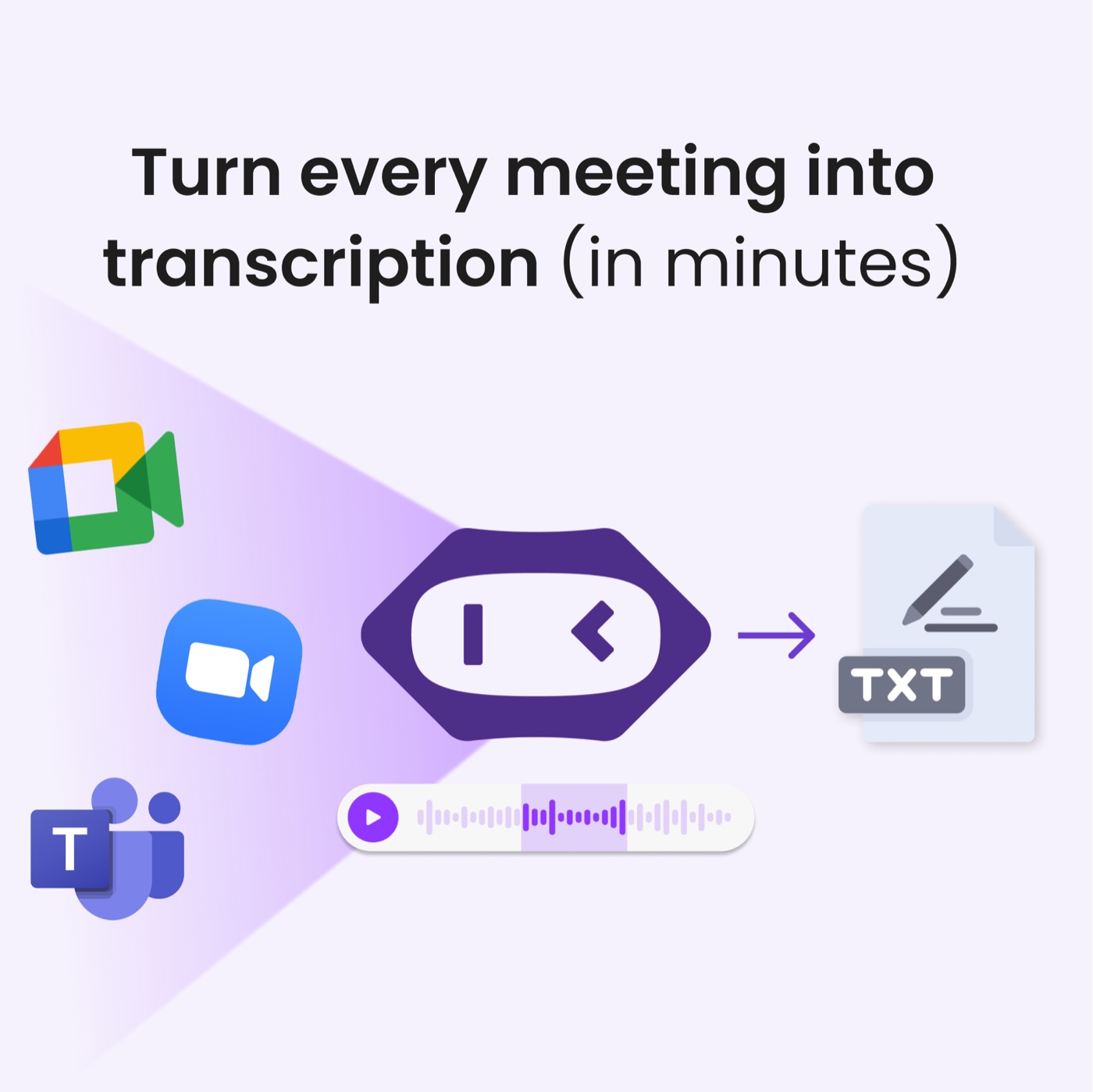
MeetGeek is an AI meeting assistant that quietly joins your Zoom, Google Meet, or Microsoft Teams calls, records and transcribes them, and emails you a summary with action items afterward. What sets it apart from the crowded notetaker field is a cross-meeting analytics layer: talk-time, speaker ratios, and topic trends across all your meetings, which most rivals do not offer. It is built by an EU company (Romania) with a verified GDPR posture and a real DPA, and it has a genuinely usable free tier. Paid plans are cheap by category standards, starting at $9.99/user/month. The one honest caveat that keeps it from a higher score: transcription accuracy is the most common complaint, and it degrades on noisy calls, crosstalk, and non-English audio. For clear English or German calls where a strong summary matters more than a perfect verbatim transcript, it is excellent value.
Rating: 4.3/5 | Price: Free / $9.99 / $17 per user/month | Last verified: July 2026
Score Breakdown
Key Facts#
- Pricing: Basic (free), Pro ($9.99/user/mo), Business ($17/user/mo), Enterprise (custom)
- Free tier: Yes, 3 hours of transcription per month with unlimited AI summaries
- Works with: Zoom, Google Meet, Microsoft Teams
- Standout: cross-meeting conversation analytics most notetakers lack
- Company: EU-based (Bucharest, Romania); GDPR compliant with a DPA
- Ratings: G2 ~4.6/5, Capterra 4.5/5
What Is MeetGeek and Who Is It For?#
MeetGeek is an AI notetaker that removes the need to write during meetings. Connect your calendar, and it joins your online meetings automatically, records and transcribes them, and afterward emails a structured summary with key points and action items. Everything is searchable, so you can find what was said across every past meeting, and an AI Chat lets you ask questions about recent calls. On top of the per-meeting output, MeetGeek builds analytics across meetings: how much each person talked, which topics recur, and how conversations trend over time.
It fits freelancers, startups, SMBs, and enterprise teams in sales, customer success, HR and recruiting, marketing, and product, anyone who runs a lot of calls and wants the notes and follow-ups handled automatically. The analytics layer makes it especially useful for managers coaching a team on how they run calls. It is not the right pick if you need courtroom-grade verbatim transcripts, or if most of your calls are noisy, multilingual, or full of crosstalk, where accuracy suffers. For a look at the interface in action, see MeetGeek's own product demo video.
Why MeetGeek
Visit provider- Automatic Recording and TranscriptionMeetGeek joins Zoom, Google Meet, and Microsoft Teams calls automatically and records and transcribes them.
- AI Summaries and Action ItemsAfter each call, MeetGeek emails a structured summary with the key points and action items.
- Cross-Meeting AnalyticsThis is the differentiator.
- Search and AI ChatEverything is searchable across your meeting history, and an AI Chat lets you ask questions about your calls.
- Integrations and AutomationMeetGeek pushes notes and data into Notion, Slack, HubSpot and other CRMs, and connects to Zapier, Make, and n8n, plus a public API.
How We Built This Guide#
This guide is based on MeetGeek's official pricing and security pages, its data-processing agreement, and independent reviews on Capterra (4.5/5) and G2. We verified the free/Pro/Business tier structure and the EU (Romania) company details as of July 2026. Where the pricing page advertised annual savings without printing exact annual numbers, we flag them rather than invent figures. Transcription-accuracy and bot-behavior points come from recurring G2/Capterra user feedback. MeetGeek's own affiliate promotional material separately confirms the free-tier hook it uses to attract signups: "5 hours of meetings free every month." All facts were last verified July 2026.
Our sources include:
- MeetGeek official pricing, security and DPA pages
- Capterra and G2 user reviews
- Company and funding press coverage
- MeetGeek's affiliate promotional materials
Features in Depth#
Automatic Recording and Transcription#
MeetGeek joins Zoom, Google Meet, and Microsoft Teams calls automatically and records and transcribes them. There is also a bot-free in-browser recording mode if you would rather not have a visible bot join. Transcription covers 60+ languages, including German (with DE/AT/CH variants).
AI Summaries and Action Items#
After each call, MeetGeek emails a structured summary with the key points and action items. This is the feature users praise most: the summaries are genuinely useful, so you can skip rewatching a recording and still know what to do next.
Cross-Meeting Analytics#
This is the differentiator. Beyond single-meeting notes, MeetGeek analyzes across all your meetings: talk-time distribution, speaker ratios, and recurring topics. For a sales or CS manager, this turns a pile of call recordings into coaching data about how the team actually communicates.
Search and AI Chat#
Everything is searchable across your meeting history, and an AI Chat lets you ask questions about your calls. The limitation to know: the AI Chat searches recent meetings rather than your entire archive.
Integrations and Automation#
MeetGeek pushes notes and data into Notion, Slack, HubSpot and other CRMs, and connects to Zapier, Make, and n8n, plus a public API. So meeting outcomes can flow into your existing workflows automatically.
Security and Compliance#
MeetGeek holds SOC 2, and is GDPR, HIPAA, and CCPA aligned, with data hosted on AWS and a DPA available. As an EU company, its compliance story is stronger than many US rivals, though EU-only data hosting is not a documented default (confirm with sales if you need it).
Pros
- Strong post-meeting AI summaries and action items, the feature users praise most
- A genuinely usable free tier with 3 hours of transcription and unlimited AI summaries per month
- Cross-meeting conversation analytics (talk-time, speaker ratio, topics) that most notetakers lack
- Easy setup, with a bot-free in-browser recording option if you dislike visible bots
- EU company (Romania) with verified GDPR compliance and a real DPA (SCCs)
- Broad language support (60+ including German) and deep integrations plus a public API
Cons
- Transcription accuracy is the most common complaint and degrades on crosstalk and non-English audio
- The recording bot can join meetings unexpectedly, a recurring user complaint
- No pause-recording, and there is a delay before notes become shareable
- Login is limited to Google or Microsoft SSO
- AI Chat only searches recent meetings, not your full history
- Guaranteed EU-only data hosting is not documented; confirm with sales for strict residency needs
Features (4.4): Recording, summaries, action items, analytics, search, and deep integrations cover the full meeting workflow well. The analytics layer is a real plus.
Ease of Use (4.5): Connect your calendar and it works. The bot-free recording option and clean summaries make it approachable.
Value for Money (4.5): A usable free tier plus $9.99/user for Pro is cheap for the category. The analytics you would pay extra for elsewhere are included.
Transcription Accuracy (3.8): The weak spot. Good on clear English or German, but crosstalk, poor audio, and mixed languages reduce accuracy, requiring manual correction.
EU / Privacy (4.2): An EU company with GDPR compliance and a DPA is reassuring. The score reflects that EU-only hosting is not a documented default and German UI/support are unverified.
Pricing Breakdown#
| Plan | Price | Key Features |
|---|---|---|
| Basic | $0 | 3 hrs transcription/mo, unlimited AI summaries, analytics |
| ⭐ Pro | $9.99/user/mo | 20 hrs/mo, AI Chat, AI Agents, extra hours $0.50/hr |
| Business | $17/user/mo | Unlimited transcription, team spaces, team analytics |
| Enterprise | Custom | SSO/SCIM, zero retention, on-premise options |
There is a 14-day trial on Pro. Annual billing advertises up to 40% off, though exact annual per-user prices are not printed on the page.
Basic (free) -- 3 hours of transcription per month with unlimited AI summaries, analytics, mobile apps, and the Chrome extension. A genuinely useful free tier for light use.
Pro ($9.99/user/month) -- 20 hours of transcription per month (extra hours $0.50/hr), plus AI Chat and AI Agents. The right plan for most individuals and small teams.
Business ($17/user/month) -- unlimited transcription, team spaces, and team-level analytics. For teams that want shared meeting intelligence.
Enterprise (custom) -- SSO/SCIM, custom or zero data retention, and on-premise options for larger organizations.
Basic
- Free forever
- 3 hrs transcription/mo
- Unlimited AI summaries
Pro
- 20 hrs/mo
- AI Chat + AI Agents
- 14-day trial
Business
- Unlimited transcription
- Team spaces
- Team analytics
Enterprise
- SSO/SCIM
- Zero retention
- On-premise options
Similar Tools Worth Considering#
- Otter.ai: A well-known notetaker strong on live transcription and collaboration. Choose Otter if live, in-meeting transcription and a large user base matter most.
- Fireflies.ai: A popular assistant with deep CRM integrations and a conversation-intelligence focus. Choose Fireflies for heavy CRM and sales-workflow integration.
- Fathom: Known for a generous free plan and fast, clean summaries. Choose Fathom if a strong free tier and simplicity are the priority.
- tl;dv: Strong for product and UX teams with clip-sharing and multi-meeting reels. Choose tl;dv for sharing highlight clips across a team.
For more productivity tools, see our productivity category.
Who Should Use MeetGeek?#
Best for sales and customer-success teams: Automatic summaries and action items plus cross-meeting analytics give managers real coaching data on how the team runs calls.
Best for busy professionals who run many calls: Let MeetGeek handle notes and follow-ups so you can be present in the meeting.
Best for EU/DACH teams that want a compliant notetaker: An EU company with GDPR compliance and a DPA is easier to adopt than many US-only rivals, and German transcription is supported.
NOT for you if you need verbatim, courtroom-grade transcripts, most of your calls are noisy or multilingual (accuracy drops), or you require guaranteed EU-only data residency without checking with sales first.
MeetGeek is a strong, affordable AI notetaker whose analytics layer and EU compliance set it apart, and whose free tier makes it easy to try. The honest limitation is transcription accuracy on imperfect audio, which matters more for some teams than others. Start on the free plan, run it on a week of real meetings, and judge the summary quality on your own calls before upgrading to Pro.
FAQ#
Is MeetGeek free?#
Yes. The Basic plan is free forever and includes 3 hours of transcription per month with unlimited AI summaries, analytics, mobile apps, and the Chrome extension. Paid plans start at $9.99/user/month (Pro) for 20 hours of transcription plus AI Chat and AI Agents.
How accurate is MeetGeek's transcription?#
Accuracy is good on clear English or German audio but is the most common user complaint when conditions are imperfect: crosstalk, poor microphones, heavy accents, and mixed languages all reduce it. If a near-perfect verbatim transcript is critical, plan to review and correct the output, or test it on your typical call quality first.
Is MeetGeek GDPR compliant for EU and German companies?#
Yes on compliance: MeetGeek is an EU company (Romania) with verified GDPR compliance and a data-processing agreement using EU Standard Contractual Clauses. German transcription and summaries are supported. Two caveats: guaranteed EU-only data hosting is not a documented default (data runs on AWS in the EU and US, so confirm with sales), and a German-language UI and support are unverified.
MeetGeek vs Otter vs Fireflies: which should I choose?#
All three record, transcribe, and summarize meetings. MeetGeek's edge is cross-meeting analytics and an EU/GDPR posture at a low price. Otter is strongest for live transcription, and Fireflies for deep CRM/sales integrations. If analytics and EU compliance matter, MeetGeek; if live transcription, Otter; if CRM workflows, Fireflies.
Does MeetGeek work with Microsoft Teams and Google Meet?#
Yes. MeetGeek records and transcribes across Zoom, Google Meet, and Microsoft Teams. It can join as a bot automatically or use a bot-free in-browser recording mode. Notes, summaries, and action items are delivered afterward and can be pushed to tools like Notion, Slack, and HubSpot.
