
This site contains affiliate links. We may earn a commission at no extra cost to you. This helps us keep the site running and continue providing free guides and comparisons.
The Bottom Line#
Beautiful.ai is the best AI presentation tool for professionals who need consistently polished slides without design skills. Its Smart Slides technology automatically handles layout, spacing, and alignment as you add content, eliminating the formatting battles that make PowerPoint and Google Slides frustrating. Based on G2 reviews and user feedback across design and business communities, Beautiful.ai delivers on its core promise: every slide looks professionally designed regardless of your skill level. At $12/month (annual), the Pro plan is competitively priced for individuals who create presentations regularly. The trade-off is real, though. The same design guardrails that make Beautiful.ai foolproof also limit creative freedom. Power users who want pixel-perfect control will feel constrained.
Rating: 4.1/5 | Price: $12/month (annual) | Last verified: August 2026
Score Breakdown
Key Facts#
- Pricing: Pro ($12/mo annual / $45/mo monthly), Team ($40/user/mo annual / $50/user/mo monthly), Enterprise (custom)
- Free tier: No permanent free plan; 14-day free trial of Pro or Team (credit card required, auto-charges if not canceled)
- Platforms: Web app (browser-based), PowerPoint import/export, viewer analytics
- Key update: AI text and image generation, enhanced analytics, one-off presentation purchase option ($45)
- One-off option: Single presentation purchase for $45 (no subscription)
- G2 rating: 4.7/5 based on 190+ reviews; formatting inconsistencies on complex slides and pricing complaints (annual vs monthly gap) are the most common criticisms
What Is Beautiful.ai and Who Is It For?#
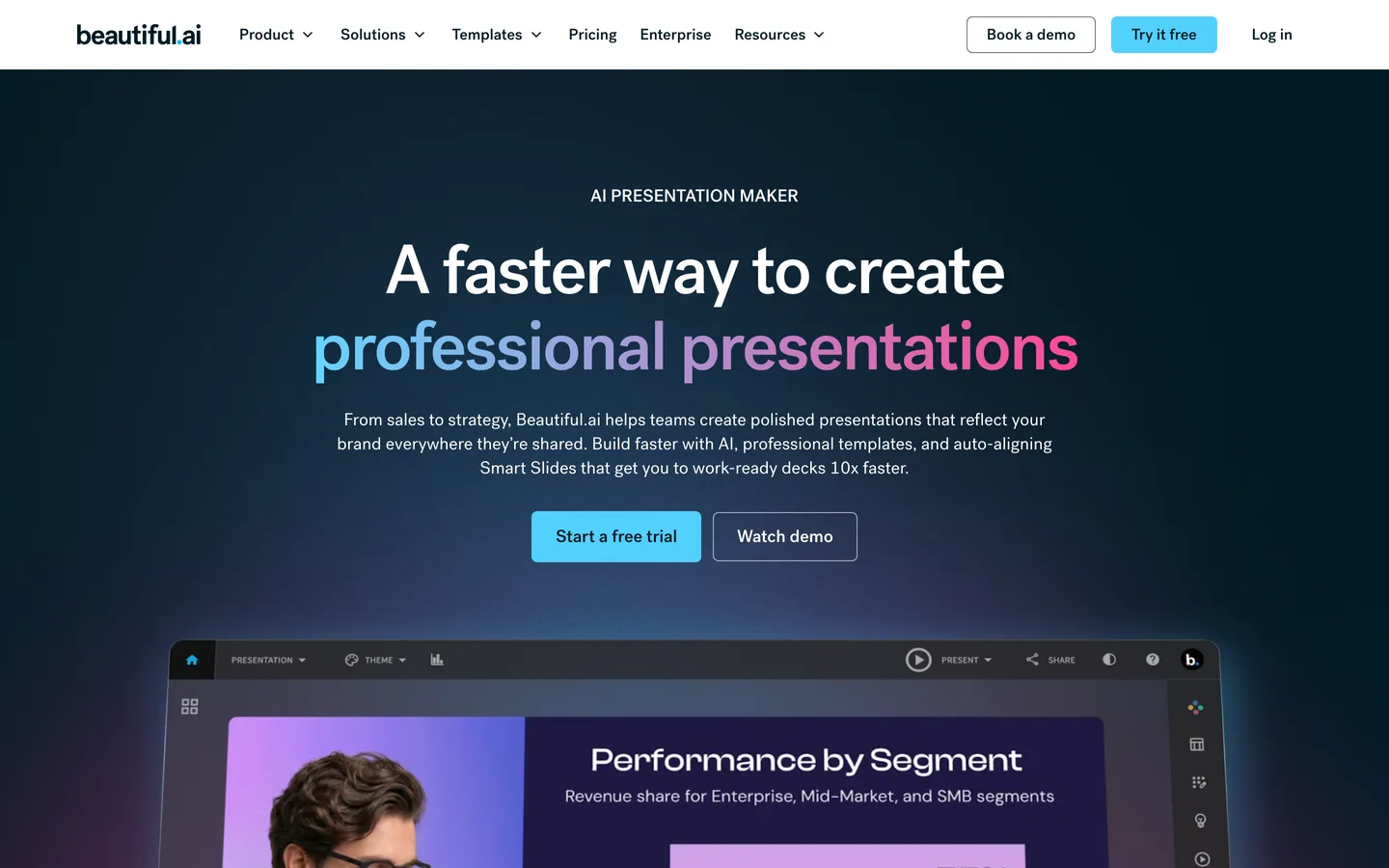
Beautiful.ai is a browser-based presentation tool built around "Smart Slides," a design engine that automatically adjusts layouts, typography, and spacing as you add or modify content. Unlike traditional presentation tools where you manually drag elements into position, Beautiful.ai constrains your choices to design-approved layouts that adapt in real time. Add a fourth bullet point and the font scales down. Remove an image and text expands to fill the space. The result is slides that always look balanced and professional.
The platform targets business professionals, consultants, and teams who create presentations regularly but lack the time or design skills to make them look polished. It sits between basic tools like Google Slides (free but requires design effort) and hiring a professional designer (expensive and slow). Beautiful.ai also appeals to sales teams who need pitch decks that look consistent and on-brand across the organization.
Beautiful.ai includes AI-powered content generation for text and images, a brand theme builder for company-wide design consistency, real-time collaboration, and viewer analytics that show how audiences engage with shared presentations.
How We Built This Guide#
This guide is based on official Beautiful.ai documentation, verified pricing, G2 and Capterra reviews, and real user feedback from design and business communities. We analyzed feature capabilities on the Pro and Team plans, reviewed community reports on Smart Slides quality, export fidelity, and AI content generation accuracy, and compared Beautiful.ai's approach against documented capabilities of Gamma, Canva, and Google Slides. All facts were last verified March 2026.
Why Beautiful.ai
Visit provider- Smart SlidesSmart Slides are Beautiful.ai's defining feature and the reason to choose this tool over alternatives.
- AI Content GenerationBeautiful.ai's AI generates slide text, suggests images, and can create entire presentation outlines from a brief description.
- Theme Builder and Brand ControlsThe Theme Builder lets you set brand colors, fonts, logos, and default styles that apply across all presentations.
- Real-Time CollaborationMultiple team members can edit a presentation simultaneously, similar to Google Slides.
- Viewer Analytics
Features in Depth#
Smart Slides#
Smart Slides are Beautiful.ai's defining feature and the reason to choose this tool over alternatives. Each slide starts from one of dozens of layout templates optimized for specific content types: title slides, bullet lists, comparison charts, timelines, team pages, and more. As you add content, the layout adjusts automatically. Text reflows, images resize, and spacing rebalances without manual intervention.
In practice, this means you spend zero time on formatting. Users report an average 40% reduction in deck creation time compared to Google Slides for the same content. The quality floor is high: even a hastily assembled deck looks presentable. The quality ceiling is lower than what a skilled designer could achieve in Keynote or Figma, but that trade-off favors the 90% of professionals who are not skilled designers.
AI Content Generation#
Beautiful.ai's AI generates slide text, suggests images, and can create entire presentation outlines from a brief description. Describe your presentation topic and target audience, and the AI produces a structured outline with suggested content per slide. Based on user reports, the generated outlines are useful as starting frameworks approximately 75% of the time. The text generation quality was adequate for first drafts but required editing for any client-facing material. AI-generated images pulled from a stock library and were contextually relevant but generic.
Theme Builder and Brand Controls#
The Theme Builder lets you set brand colors, fonts, logos, and default styles that apply across all presentations. For teams, this ensures brand consistency without design policing. Set up your theme once, and every new deck starts on-brand. According to user reviews, the Theme Builder handles straightforward brand guidelines well. Limitations appeared with complex brand systems that require multiple color palettes or typography hierarchies beyond primary and secondary styles.
Real-Time Collaboration#
Multiple team members can edit a presentation simultaneously, similar to Google Slides. Comments, suggestions, and version history are built in. The collaboration experience is smooth for teams of 2-5 editors. Users report minimal conflicts or sync issues, though the Team plan ($40/user/mo) is required for full collaboration features.
Viewer Analytics#
When you share a presentation via link, Beautiful.ai tracks how long viewers spend on each slide, which slides get the most attention, and when viewers drop off. For sales teams, this data reveals which parts of a pitch resonate and which lose the audience. Users report the analytics are actionable for iterating on pitch decks over multiple presentations to the same prospect type.
PowerPoint Import and Export#
Beautiful.ai imports existing PowerPoint files and converts them to Smart Slide formats. Export options include PowerPoint (.pptx) and PDF. According to user reviews, import quality varies significantly. Simple text-heavy decks converted well. Complex slides with custom layouts, animations, or embedded media required substantial rework after import. Export to PowerPoint preserved content but lost some Smart Slide formatting intelligence.
Pros
- Smart Slides eliminate formatting work entirely, automatically adjusting layout, spacing, and typography as you add or modify content
- Consistently professional output regardless of design skill level, with a high quality floor that makes every deck presentable
- Viewer analytics reveal which slides hold audience attention and where engagement drops, giving sales teams actionable iteration data
- Theme Builder enforces brand consistency across all team presentations without requiring design oversight or manual style guides
- AI content generation produces useful presentation outlines and first-draft text that reduces creation time by approximately 40%
- Competitive pricing at $12/month (annual) for the Pro plan, undercutting most AI presentation tools
Cons
- Design guardrails that ensure consistency also limit creative freedom, making pixel-perfect custom layouts impossible
- No permanent free plan. The 14-day trial requires a credit card, and the monthly option at $45/month is prohibitively expensive for casual use
- PowerPoint import quality is inconsistent for complex slides with custom layouts, animations, or embedded media
- AI-generated images are stock-quality and generic, lacking the customization available in tools like Canva or Midjourney
- Team plan pricing jumps to $40/user/month, which is expensive for small teams that only need occasional collaboration
Pricing Breakdown#
Beautiful.ai offers three plans as of March 2026, plus a one-off purchase option:
Pro ($12/month annual, $45/month monthly) -- Unlimited presentations, Smart Slides, AI text and image generation, PowerPoint import/export, viewer analytics, stock media library, and PDF export. The entry point for regular presentation creators. Annual billing offers a 73% discount over monthly.
Team ($40/user/month annual, $50/user/month monthly) -- Everything in Pro plus brand controls, shared team libraries, real-time collaboration, admin tools, and engagement analytics. Designed for organizations that need consistent branding and collaborative deck building.
Enterprise (custom pricing) -- Advanced security, SSO, custom integrations, dedicated account management, and priority support. Contact sales for a quote.
One-Off Purchase ($45) -- A single presentation with full Pro features. No subscription required. Useful for freelancers with occasional presentation needs or anyone who wants to test the full product beyond the trial.
14-Day Free Trial -- Full access to the selected plan's features. Credit card required to start.
| Plan | Price | Key Features |
|---|---|---|
| ⭐ Pro | $12/mo (annual) | Unlimited presentations, Smart Slides, AI text + image generation, Viewer analytics, PowerPoint export |
| Team | $40/user/mo (annual) | Brand controls, Shared team libraries, Real-time collaboration, Admin tools, Engagement analytics |
Pro
- Unlimited presentations
- Smart Slides
- AI text + image generation
- Viewer analytics
- PowerPoint export
Team
- Brand controls
- Shared team libraries
- Real-time collaboration
- Admin tools
- Engagement analytics
Strengths & Limitations#
Beautiful.ai's core strength is making professional design accessible to everyone. The Smart Slides system genuinely solves the biggest pain point of presentation creation: spending more time on formatting than on content. For organizations where presentations are a regular communication medium, the time savings compound significantly.
The primary limitation is the rigidity that comes with automated design. If your brand requires custom layouts, unconventional compositions, or specific spatial relationships between elements, Beautiful.ai will frustrate you. It is a design system, not a design tool. You work within its rules, and those rules produce good results but not unique ones.
Similar Tools Worth Considering#
- Gamma: AI-powered presentation tool with a card-based format that offers more creative flexibility than Beautiful.ai. Better for narrative-driven presentations and web-native sharing. Free tier available. Less structured design system means more design decisions fall on you.
- Canva: The most versatile design platform with a strong free tier and presentation capabilities. Offers more creative freedom and a massive template library. Less focused on presentations specifically, and lacks Smart Slides' automatic formatting.
- Google Slides: Free, collaborative, and integrated with Google Workspace. No AI design assistance and requires manual formatting work, but offers complete creative control and works offline.
- Pitch: Collaboration-focused presentation tool designed for teams. Strong real-time editing and brand management. More flexible layouts than Beautiful.ai but requires more design effort. Free tier available for up to 3 members.
- Tome: Previously an AI presentation competitor, Tome pivoted to sales in 2025. If you are evaluating presentation tools, Gamma and Beautiful.ai are the remaining AI-native options.
For a broader overview of AI productivity tools, see our Best AI Tools 2026 guide.
Who Should Use Beautiful.ai?#
Best for consultants and agencies: If you create 5+ client-facing decks per month, Beautiful.ai's combination of speed and polish pays for itself immediately. The brand theming ensures consistency across clients.
Best for sales teams: Pitch decks that look professional, stay on-brand, and provide engagement analytics. The Team plan's shared libraries mean new reps can access proven decks instantly.
Best for internal communications: Strategy presentations, quarterly reviews, and team updates that need to look good without design effort. Smart Slides make internal decks presentable in minutes.
Best for non-designers: Anyone who has spent 30 minutes trying to align text boxes in PowerPoint will appreciate Beautiful.ai immediately.
NOT for you if you need full creative control over every pixel of your slides (use Keynote, Figma, or Canva), you only create presentations occasionally and cannot justify a subscription (consider the $45 one-off option or Canva's free tier), or you need advanced features like interactive elements, embedded videos, or complex animations (use PowerPoint or Prezi).
Beautiful.ai is the right choice for professionals who create presentations regularly and value consistent quality over creative uniqueness. The Smart Slides technology solves a genuine problem, and no competitor matches the combination of automated design quality and simplicity of use.
Its biggest strength is the guarantee that every slide looks professionally designed without design skills or formatting effort. Its biggest weakness is the creative ceiling imposed by the same design guardrails that ensure quality.
Start with the 14-day free trial to test Smart Slides with your actual content. If you find yourself spending less than half the time you normally would on a presentation, the $12/month Pro plan is an easy decision. For teams, evaluate whether the $40/user/month Team pricing fits your budget, or consider whether individual Pro accounts with manual brand guidelines can achieve similar results.
FAQ#
Is Beautiful.ai free to use?#
Beautiful.ai does not offer a permanent free plan. It provides a 14-day free trial with full access to the selected plan's features (credit card required). After the trial, the Pro plan costs $12/month (billed annually) or $45/month (billed monthly). A one-off single presentation purchase is available for $45 without a subscription.
How do Smart Slides work in Beautiful.ai?#
Smart Slides automatically adjust layout, typography, spacing, and alignment as you add or modify content. Each slide uses a design-optimized template that adapts in real time. Add a bullet point and the font scales. Remove an image and text expands. You focus on content while Beautiful.ai handles all formatting decisions, ensuring professional results without design skills.
Can I export Beautiful.ai presentations to PowerPoint?#
Yes. Beautiful.ai supports export to PowerPoint (.pptx) and PDF formats. It also imports existing PowerPoint files. Import quality varies: simple text-heavy decks convert well, while complex slides with custom layouts or animations may require rework. Exported files preserve content but may lose some of Beautiful.ai's dynamic formatting behavior.
How does Beautiful.ai compare to Canva for presentations?#
Beautiful.ai focuses specifically on presentations with automated design via Smart Slides. Canva is a broader design platform with more creative freedom and a strong free tier. Choose Beautiful.ai if you want guaranteed professional quality with minimal effort. Choose Canva if you need creative control, a free option, or use the platform for design beyond presentations.
Is Beautiful.ai good for teams?#
Yes, with the Team plan ($40/user/month annual). It includes real-time collaboration, shared brand libraries, admin controls, and engagement analytics. For teams that create presentations frequently and need brand consistency, the Team plan centralizes assets and ensures every deck matches company standards. For occasional collaboration, individual Pro accounts may suffice.
