The State of AI Image Generation in 2026#
AI image generation has matured from a novelty into a professional tool. What used to require hours in Photoshop can now be accomplished in seconds with a text prompt. But with over a dozen serious contenders in the market, choosing the right tool is harder than ever.
We compared every major AI image generator across six criteria: image quality, prompt accuracy, speed, pricing, ease of use, and commercial licensing, drawing on official sample galleries, documentation, and verified user reviews. Here are our rankings.
Our Ranking Methodology#
Each tool was evaluated against the same five prompt categories that come up most in professional work:
- Photorealistic scenes (landscapes, portraits, products)
- Illustration and art (digital art, watercolor, concept art)
- Marketing assets (social media graphics, ad creatives, hero images)
- Technical diagrams (flowcharts, UI mockups, infographics)
- Text rendering (logos with text, quote graphics, headlines)
We scored each output on quality (1-10), prompt accuracy (1-10), and generation speed. Pricing and licensing terms were evaluated separately.
1. Midjourney V7#
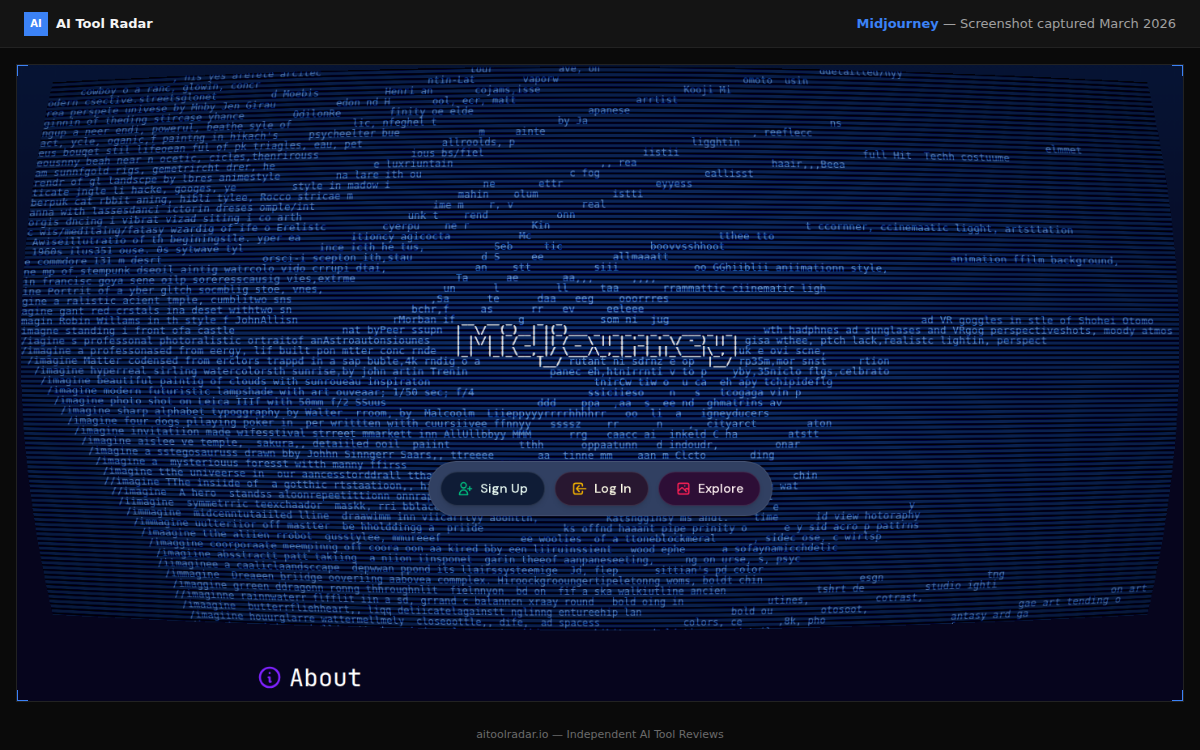
Overall Score: 9.2/10 | Price: $8/mo (Basic)
Midjourney remains the king of AI image generation for artistic and creative work. Version 7, released in early 2026, brought significant improvements in photorealism, text rendering, and consistency.
What Makes It Best#
Midjourney V7 produces the most aesthetically pleasing images of any generator. Its default style has a polished, professional quality that other tools struggle to match. Photorealistic outputs are nearly indistinguishable from photographs in many cases.
The new Personalization 2.0 feature learns your aesthetic preferences over time, producing results that increasingly match your style without detailed prompting. This is a genuine time-saver for regular users.
Text rendering has improved dramatically. V7 handles headlines, short text blocks, and logos with roughly 90% accuracy, up from maybe 60% in V6.
Limitations#
- No API access on basic plans
- Web interface can be confusing for beginners
- Generating exact, specific compositions still requires prompt engineering skill
- Limited editing/inpainting compared to DALL-E
Best For#
Creative professionals, designers, marketers who need beautiful images and are willing to invest time learning the tool.
Read our full Midjourney guide for the detailed breakdown.
2. DALL-E 3 (via ChatGPT)#
Overall Score: 8.8/10 | Price: Free (limited) or $20/mo with ChatGPT Plus
DALL-E 3's integration into ChatGPT makes it the most accessible AI image generator available. You describe what you want in natural language, have a conversation about revisions, and get results without learning any special syntax.
What Makes It Great#
The conversational workflow is DALL-E's killer feature. You can say "make the sky more dramatic" or "add a person walking on the left side" and it understands context from the conversation. No other tool matches this natural interaction model.
Prompt accuracy is the best in class. DALL-E 3 follows complex, detailed prompts more faithfully than any competitor. If you describe exactly what you want, you are more likely to get it from DALL-E than from Midjourney.
The integration with ChatGPT means you can generate images alongside text, code, and research in a single workflow. For content creators who need images for articles, this is incredibly efficient.
Limitations#
- Artistic quality slightly below Midjourney for aesthetic work
- More conservative with certain content types due to safety filters
- Limited style control compared to Midjourney's parameters
- Cannot generate images of real people
Best For#
Anyone who wants easy, natural image generation without a learning curve. Content creators who need images alongside text. Teams already using ChatGPT.
Our DALL-E guide has the complete breakdown. Also see our ChatGPT guide for how image generation fits into the broader platform.
3. Adobe Firefly 3#
Overall Score: 8.5/10 | Price: Free (limited) or $4.99/mo with Adobe Express
Adobe Firefly is the only major AI image generator trained exclusively on licensed content and public domain images. This makes it the safest choice for commercial use from a legal perspective.
What Makes It Great#
Commercial licensing clarity is Firefly's defining advantage. Adobe indemnifies commercial users against copyright claims from Firefly-generated content. No other generator offers this level of legal protection.
The integration with Adobe Creative Cloud is seamless. Generate an image in Firefly, refine it in Photoshop, use it in Illustrator. For teams already in the Adobe ecosystem, this workflow is unbeatable.
Generative Fill (inpainting) is the best in class. Select an area, describe what you want, and Firefly fills it with contextually appropriate content. This feature alone makes it worth having in your toolkit.
Limitations#
- Image quality slightly below Midjourney and DALL-E for pure generation
- More conservative outputs (less creative risk)
- Some features require full Creative Cloud subscription
- Slower generation speed than competitors
Best For#
Commercial teams, agencies, enterprise users who need legally safe AI-generated assets. Adobe Creative Cloud users.
Full review in our Adobe Firefly guide.
4. Stable Diffusion XL 2.0#
Overall Score: 8.2/10 | Price: Free (open source)
Stable Diffusion remains the open-source champion. With the SDXL 2.0 release and a thriving community of fine-tuned models, it offers capabilities that rival commercial tools at zero cost.
What Makes It Great#
Complete control is Stable Diffusion's strength. You can fine-tune models on your own data, adjust every parameter, run it locally for privacy, and use it commercially without restrictions.
The community model ecosystem is massive. Thousands of fine-tuned models on Civitai and Hugging Face cover every style imaginable, from photorealistic to anime to architectural visualization.
No usage limits when running locally. Generate as many images as your hardware allows, with no per-image costs and no rate limiting.
Limitations#
- Requires technical knowledge to set up locally
- Hosted options (Hugging Face Spaces) have limitations
- Default quality below commercial tools without fine-tuning
- No built-in upscaling or editing workflow
Best For#
Technical users, developers, teams needing full control and customization. Anyone who wants unlimited, free image generation.
Our Stable Diffusion guide covers local setup and the best community models.
5. Recraft V3#
Overall Score: 8.0/10 | Price: Free (limited) or $20/mo
Recraft is the newest serious contender in the space, and it has quickly made a name for itself with exceptional vector and illustration capabilities.
What Makes It Great#
Vector output is Recraft's unique strength. While other generators produce raster images, Recraft can output clean SVG vectors. For designers and developers who need scalable graphics, this is a significant differentiator.
Illustration quality is on par with Midjourney for many styles, and the tool excels at consistent brand-style illustrations that maintain visual coherence across multiple generations.
Text rendering is excellent, particularly for marketing materials and social media graphics where text is a primary element.
Limitations#
- Smaller community and fewer resources than established tools
- Photorealism lags behind Midjourney and DALL-E
- API pricing can get expensive at scale
- Fewer advanced features than mature platforms
Best For#
Designers needing vector outputs, teams producing branded illustration sets, marketers creating text-heavy graphics.
See our Recraft guide for the complete analysis.
Comparison Matrix#
| Feature | Midjourney | DALL-E 3 | Firefly 3 | Stable Diffusion | Recraft |
|---|---|---|---|---|---|
| Image Quality | 9.5 | 8.5 | 8.0 | 7.5-9.0* | 8.0 |
| Prompt Accuracy | 8.5 | 9.5 | 8.0 | 7.5 | 8.5 |
| Speed | 8.0 | 9.0 | 7.5 | Varies** | 8.5 |
| Pricing | 8.0 | 8.5 | 9.0 | 10.0 | 8.0 |
| Ease of Use | 7.0 | 9.5 | 8.5 | 5.0 | 8.0 |
| Commercial License | 8.0 | 8.0 | 10.0 | 9.0 | 8.0 |
*Depends on model choice. **Depends on hardware.
Which Tool Should You Choose?#
For the best overall quality: Midjourney V7. It produces the most consistently beautiful images across all categories.
For ease of use: DALL-E 3 via ChatGPT. The conversational interface makes it accessible to anyone, and the integration with ChatGPT's other features is a major productivity win.
For commercial safety: Adobe Firefly 3. The only generator with explicit commercial indemnification. If your business depends on legally safe AI content, this is the answer.
For full control and free usage: Stable Diffusion XL 2.0. Unmatched flexibility, zero cost, and a massive community. Best for technical users.
For vector and illustration work: Recraft V3. The only tool that outputs clean SVGs, with excellent illustration capabilities.
The Smart Approach: Use Multiple Tools#
In practice, most professionals use two or three generators for different purposes. A common stack:
- Midjourney or DALL-E for primary image generation
- Adobe Firefly for commercial work and Photoshop integration
- Stable Diffusion for experimental work and bulk generation
The tools are cheap enough (or free) that specializing is often better than trying to force one tool to do everything.
Explore our image generation category for all available tools, or browse the full tools directory to see how these fit into the broader AI tool landscape.
