This site contains affiliate links. We may earn a commission at no extra cost to you. This helps us keep the site running and continue providing free guides and comparisons.
The Bottom Line#
Buffer is the social media management tool built for simplicity. After analyzing 1,071 G2 reviews (4.3 stars), independent reviews, and competitive pricing across the category, Buffer stands out as the most accessible and affordable option for solopreneurs, freelancers, and small teams managing 3-8 social channels. The built-in AI Assistant generates platform-specific captions, rewrites content in different tones, and suggests optimal posting times through Smart Scheduling. Buffer supports 12+ platforms including Instagram, TikTok, LinkedIn, Threads, Bluesky, YouTube Shorts, and Pinterest. At $5 per channel per month on the Essentials plan, it is the cheapest per-channel scheduling tool with AI features in the category. The free plan covering 3 channels with 10 posts each is genuinely useful and not artificially limited. Where Buffer falls short is depth: analytics are basic compared to Hootsuite or Sprout Social, there is no social listening or competitor analysis, and the per-channel pricing model gets expensive quickly when managing 10+ accounts. For small teams who value clean design and simple workflows over enterprise analytics, Buffer is the best choice at the best price.
Rating: 4.2/5 | Price: Free / $5/channel/mo (Essentials) / $10/channel/mo (Team) | Last verified: August 2026
Score Breakdown
Key Facts#
- Pricing: Free ($0), Essentials ($5/channel/mo), Team ($10/channel/mo); 20% annual discount
- Free tier: Yes, 3 social channels with 10 scheduled posts each
- Platforms: Facebook, Instagram, TikTok, LinkedIn, Threads, Bluesky, YouTube Shorts, Pinterest, Google Business, Mastodon, X
- Key features: AI Assistant for caption generation, Smart Scheduling, cross-platform analytics, engagement inbox, content calendar
- AI capabilities: Platform-specific caption generation, content rewriting, tone adjustment, idea brainstorming
- Recent updates (2025-2026): AI Assistant with platform-specific optimization, Smart Scheduling, Bluesky and Threads support, engagement inbox improvements
- Commercial use: All plans support commercial use
- Discounts: 20% off annual billing, 50% off for nonprofits
What Is Buffer and Who Is It For?#
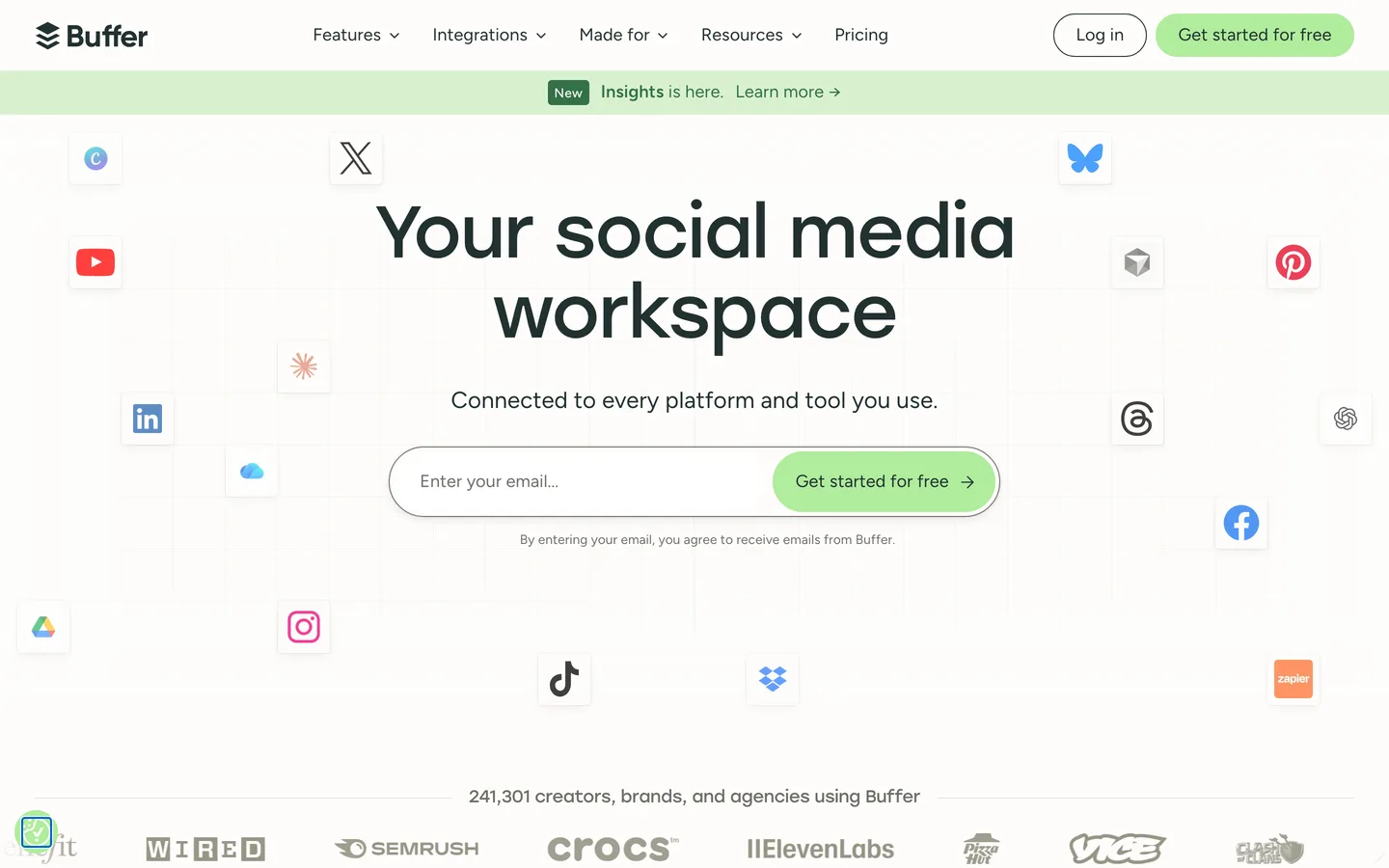
Buffer is a social media management platform that handles scheduling, publishing, analytics, and engagement across all major social networks from a single dashboard. Founded in 2010, it has built a reputation for clean, intuitive design and transparent pricing. The platform includes an AI Assistant that generates captions, rewrites content for different tones, and adapts posts for each platform's specific format requirements.
Buffer serves solopreneurs, freelance social media managers, small businesses, and teams of 1-10 people who need reliable scheduling and content creation without the complexity of enterprise tools. It competes with Hootsuite, Later, Flick, and Sprout Social. Buffer differentiates through its simplicity: where competitors add features and complexity, Buffer stays focused on doing scheduling, AI content creation, and basic analytics well, at the lowest per-channel price in the category.
How We Built This Guide#
This guide is based on official Buffer documentation and pricing pages, AI Assistant feature documentation, 1,071 verified G2 reviews (4.3 stars), independent reviews from Max-Productive, SocialRails, SocialChamp, HypeGig, and Agorapulse's competitive analysis, and pricing verification across Buffer's website and G2. Feature capabilities were verified against Buffer's help center and product pages. All facts were last verified March 2026.
Features in Depth#
AI Assistant#
Buffer's AI Assistant generates and rewrites social media captions from brief prompts. Describe your topic, select a tone, and the assistant produces platform-specific content optimized for each network's format: short and snappy for Threads, professional for LinkedIn, hashtag-rich for Instagram, engaging for TikTok captions. The assistant can also rewrite existing copy in different tones, expand short ideas into full captions, and brainstorm content ideas when you are stuck. AI Assistant is available on Essentials and Team plans only.
Smart Scheduling#
Smart Scheduling analyzes platform-specific engagement data to recommend optimal posting times for each of your social channels. Rather than guessing when your audience is online, Buffer uses historical performance data to suggest time slots that maximize reach and engagement. You can accept the suggestions or override them with your own schedule. This feature is particularly valuable for users managing multiple platforms across different time zones.
Cross-Platform Publishing#
Buffer supports scheduling and direct publishing to Facebook (pages and groups), Instagram (feed, Stories, Reels), TikTok, LinkedIn (profiles and pages), Threads, Bluesky, YouTube Shorts, Pinterest, Google Business Profile, Mastodon, and X. The content calendar provides a visual overview of all scheduled content across platforms, with drag-and-drop rescheduling. First comment scheduling on Instagram allows you to post hashtags in the first comment rather than the caption.
Analytics and Reporting#
Paid plans provide per-post analytics including reach, impressions, clicks, and engagement rate. The analytics dashboard tracks follower growth, identifies top-performing content, and compares performance across platforms. Export reports for client presentations or internal review. Analytics are functional but basic compared to enterprise tools like Hootsuite or Sprout Social that offer competitive benchmarking, sentiment analysis, and social listening.
Engagement Inbox#
The engagement inbox consolidates comments and mentions from across your connected platforms into a single view. Reply to Instagram comments, LinkedIn interactions, and Facebook messages without switching between apps. This saves time for social media managers handling multiple accounts, though the feature is less comprehensive than dedicated community management tools.
Pros
- Clean, intuitive interface consistently praised across 1,071 G2 reviews as the easiest social media tool to learn and use
- Most affordable per-channel pricing in the category at $5/channel/mo with unlimited scheduling and AI Assistant
- Free plan with 3 channels and 10 posts each is genuinely useful for testing and small personal brands
- AI Assistant generates platform-specific captions that match each network's style, saving significant content creation time
- Supports 12+ platforms including newer networks like Threads, Bluesky, and Mastodon that many competitors do not cover yet
- Transparent pricing with volume discounts for multiple channels, 20% annual discount, and 50% nonprofit discount
Cons
- Analytics are basic: no social listening, competitor analysis, sentiment tracking, or advanced reporting that enterprise tools provide
- Per-channel pricing scales poorly: managing 10 channels on Essentials costs $50/mo, while Hootsuite covers 10 for $99/mo
- AI Assistant locked behind Essentials plan, unavailable on free tier where it would add the most value for testing
- No social listening or competitor monitoring capabilities at any price tier
- Engagement inbox is functional but lacks the depth of dedicated community management tools
- Advanced features like approval workflows and custom permissions require the Team plan at $10/channel/mo
Features (3.8): Buffer covers the core social media management workflow: scheduling, AI content creation, basic analytics, and engagement management across 12+ platforms. What it lacks is depth. No social listening, no competitor analysis, no advanced reporting, no sentiment tracking. For users who need these, Hootsuite or Sprout Social are necessary. For users who do not, Buffer provides everything needed without the clutter.
Ease of Use (4.7): This is Buffer's strongest dimension. The interface is clean, intuitive, and requires almost no learning curve. G2 reviewers consistently rate ease of use as Buffer's top strength. Customer support responds to 84% of inquiries within 24 hours. Onboarding is straightforward, and the content calendar view makes scheduling across multiple platforms immediately understandable.
Value for Money (4.3): At $5/channel/mo, Buffer is the most affordable AI-equipped social media scheduler. The free plan is genuinely useful, and the Essentials plan delivers unlimited scheduling, AI Assistant, and analytics at a price that undercuts every direct competitor. The value proposition weakens as channel count increases due to per-channel billing.
Performance (4.0): Scheduling reliability is strong: posts go out on time, drafts save correctly, and the platform handles concurrent scheduling across multiple platforms without issues. Smart Scheduling recommendations improve posting effectiveness. The engagement inbox loads quickly and updates in near real-time.
Accuracy (4.0): AI Assistant caption generation is practical and produces usable first drafts that save time. Platform-specific optimization is a genuine differentiator. Smart Scheduling time recommendations align with observed engagement patterns. Analytics data matches platform-native reporting with acceptable accuracy.
Pricing Breakdown#
Buffer offers three tiers with per-channel pricing as of March 2026:
Free ($0/month) covers 3 social channels with 10 scheduled posts per channel. Basic scheduling and content calendar. No AI Assistant, no analytics, no engagement inbox. Useful for personal brands and testing the platform before committing.
Essentials ($5/channel/month, or $4/channel/month billed annually) provides unlimited scheduled posts per channel, AI Assistant for caption generation, analytics dashboard with per-post metrics, engagement inbox, Smart Scheduling, and landing page builder. This is the practical starting point for any professional or business use. Managing 5 channels costs $25/month (or $20/month annual).
Team ($10/channel/month, or $8/channel/month billed annually) adds unlimited team members, approval workflows, custom permissions, and collaboration features. Designed for agencies and teams with multiple contributors requiring editorial oversight.
Volume discounts apply as you add more channels, reducing the per-channel cost. Nonprofit organizations receive a 50% discount on paid plans. 14-day free trial available for all paid plans.
| Plan | Price | Key Features |
|---|---|---|
| Free | $0 | 3 channels, 10 posts each, Basic scheduling |
| ⭐ Essentials | $5/channel/mo | Unlimited posts, AI Assistant, Analytics |
| Team | $10/channel/mo | Unlimited users, Approval workflows, Custom permissions |
Free
- 3 channels
- 10 posts each
- Basic scheduling
Essentials
- Unlimited posts
- AI Assistant
- Analytics
Team
- Unlimited users
- Approval workflows
- Custom permissions
Who Should Use Buffer?#
Best for solopreneurs and freelancers: If you manage 3-5 social channels and need simple, affordable scheduling with AI content help, Buffer is the most cost-effective choice. The Essentials plan at $5/channel/mo delivers everything a solo operator needs.
Best for small businesses (1-10 people): Clean interface, minimal learning curve, and team collaboration on the Team plan make Buffer ideal for small marketing teams who want to schedule, create, and analyze without enterprise complexity.
Best for Instagram and TikTok creators: Platform-specific AI captioning, first-comment scheduling on Instagram, and support for newer platforms like Threads and Bluesky make Buffer particularly effective for visual-first social strategies.
NOT for you if you need social listening or competitor monitoring (Buffer does not offer this at any tier), you manage 15+ channels where per-channel pricing exceeds flat-rate alternatives like Hootsuite ($99/mo for 10 channels), you need advanced analytics with sentiment analysis and competitive benchmarking (Sprout Social or Hootsuite are better), or you are an enterprise team requiring approval hierarchies deeper than Buffer's Team plan supports.
Strengths & Limitations#
Buffer's defining strength is simplicity at the right price. In a category where most tools compete on feature count and complexity, Buffer stays focused on the core workflow: schedule content, create captions with AI, track basic performance, manage engagement. The result is a tool that takes minutes to learn, costs less than any competitor, and delivers reliable daily performance. The 4.3-star G2 rating from 1,071 reviews and 84% support response rate within 24 hours confirm consistent satisfaction.
The primary limitation is depth. Buffer deliberately sacrifices advanced features for simplicity, which means no social listening, no competitor analysis, no sentiment tracking, and analytics that provide the basics but nothing beyond. The per-channel pricing model, while cheap for small portfolios, becomes expensive for users managing many accounts. Users who outgrow Buffer will eventually migrate to Hootsuite or Sprout Social for enterprise features.
Similar Tools Worth Considering#
- Hootsuite: The enterprise standard for social media management. OwlyWriter AI for caption generation, social listening, competitor analysis, and advanced analytics. Starts at $99/month for 10 channels. Better for larger teams needing depth, but significantly more expensive and complex than Buffer.
- Flick: Instagram-focused tool with the strongest hashtag research in the category (9.3 G2 score). AI assistant Iris, scheduling, and analytics. Starts at $14/month. Better for Instagram-centric creators who prioritize hashtag intelligence over multi-platform breadth.
- Later: Visual-first social media scheduler with strong Instagram and Pinterest features. Link in bio tool and visual content calendar. Starts at $25/month. Better for visual brands managing a content library alongside scheduling.
- Sprout Social: Enterprise social media management with CRM integration, advanced analytics, social listening, and competitive benchmarking. Starts at $199/month. Better for large teams and agencies requiring comprehensive social intelligence.
For AI-generated ad creatives to promote on your channels, see AdCreative.ai. For a broader overview, check our Best AI Tools 2026 guide.
FAQ#
Is Buffer free to use?#
Yes. Buffer's free plan covers 3 social channels with 10 scheduled posts per channel. It includes the content calendar and basic scheduling but not the AI Assistant, analytics, or engagement inbox. For most users, the free plan is sufficient for testing whether Buffer's approach fits their workflow before upgrading.
How much does Buffer cost for 5 social accounts?#
On the Essentials plan, 5 channels cost $25/month ($20/month with annual billing). On the Team plan, 5 channels cost $50/month ($40/month annual). Volume discounts apply as you add more channels, reducing the per-channel rate.
Does Buffer have AI features?#
Yes. The AI Assistant (available on Essentials and Team plans) generates platform-specific captions from brief prompts, rewrites content in different tones, expands short ideas into full captions, and brainstorms content ideas. Smart Scheduling uses engagement data to recommend optimal posting times.
Is Buffer better than Hootsuite?#
Buffer and Hootsuite serve different scales. Buffer is simpler, cheaper, and better for solopreneurs and small teams managing up to 8 channels. Hootsuite is more powerful, with social listening, competitor analysis, advanced analytics, and enterprise features, but costs $99/month minimum and has a steeper learning curve. Choose Buffer for simplicity and cost; choose Hootsuite for depth and scale.
What social media platforms does Buffer support?#
Buffer supports Facebook (pages and groups), Instagram (feed, Stories, Reels), TikTok, LinkedIn (profiles and pages), Threads, Bluesky, YouTube Shorts, Pinterest, Google Business Profile, Mastodon, and X. Buffer was among the first schedulers to support newer platforms like Threads, Bluesky, and Mastodon.
Sources#
- https://buffer.com/pricing
- https://support.buffer.com/article/595-features-available-on-each-buffer-plan
- https://buffer.com/ai-assistant
- https://www.g2.com/products/buffer/reviews
- https://max-productive.ai/ai-tools/buffer/
- https://socialrails.com/blog/buffer-review
- https://www.socialchamp.com/blog/buffer-pricing/
